
Unmount: Automatically break Minecarts!
Creator: DerexXD · 2026-06-05 · Mods · Free on Eaglercraft Studio
Download Unmount: Automatically break Minecarts! — free Minecraft mod. Created by DerexXD. Tagged auto, bukkit, derexxd, minecart. Check the file details for Forge, Fabric, or NeoForge before installing.
Creator notes
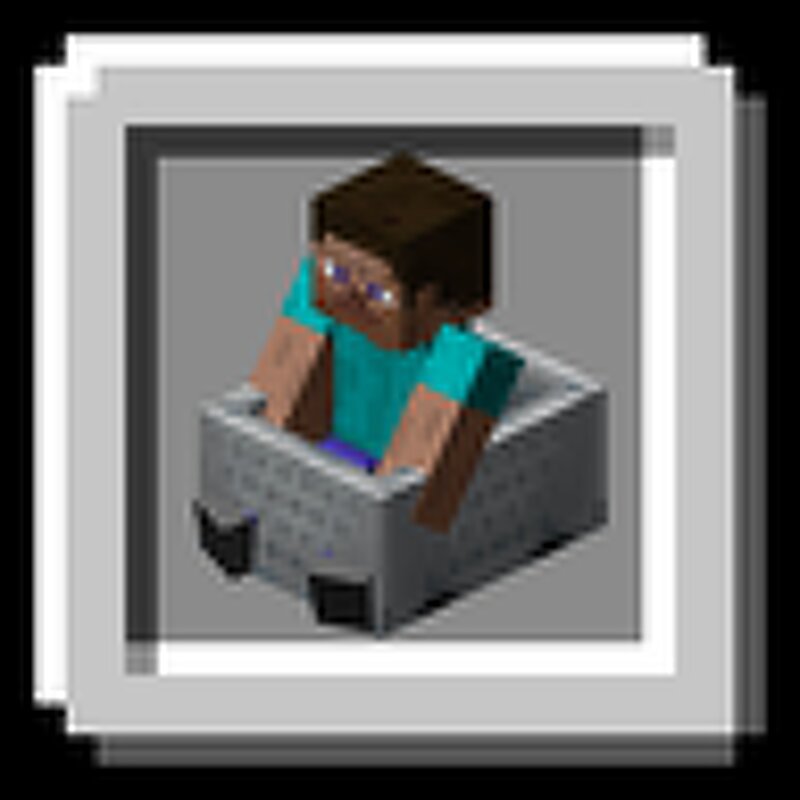
Fix Minecarts cluttering your survival server rails! This was created for use on my forever world, called "derex smp". Check it out in action, server ip: mc.longhorns.dev Vanilla minecart physics can be notoriously clunky. This is a lightweight plugin that overhauls minecart interactions by completely preventing the annoying "bounce-back" effect when two minecarts collide. Additionally, it includes a seamless "Autobreak on Dismount" feature automatically breaking minecarts and dropping them as items the exact moment a player leaves them. Perfect for keeping your railways clean and clutter-free! Designed to be simple, server-friendly, and as vanilla as possible. commands: togglecart: description: Toggle minecart auto-break on dismount for yourself. usage: /togglecart aliases: [autobreak] permission: unmount.togglecart permission-message: You don't have permission to use this command. permissions: unmount.togglecart: description: Allows using /togglecart (and /autobreak) default: true License: MIT Join our dev discord! https://discord.gg/HM5XEe6pW6 ❤️ Credits: Developed by DerexXD Image inspired from Xannosz's Better Minecarts
Added value
What’s included on this page
Preview, categories, compatibility, and tools on this page — not a bare file mirror.
- Creator
- DerexXD
- Source
- Minecraft downloads library on Eaglercraft Studio
- Type
- Minecraft mod
- Price
- Free download on Eaglercraft Studio
- Curation
- Listed with credit to DerexXD · studio preview & install guide
- Game Version
- Minecraft 26.2
- Compatible with
- Minecraft Java (match version / loader in facts)
- Tags
- Auto, Bukkit, Derexxd, Minecart, Mod, Papermc
Install guide
How to install this free Minecraft mod
Eaglercraft Studio listing with metadata, creator credit, and loader-aware install guidance.
- 1Download the jar/zip when available.
- 2Install the matching loader (Forge, Fabric, or NeoForge) for your Minecraft version.
- 3Drop the mod into your mods folder, then launch with that profile.
Wrong loader or game version usually crashes on startup — read the facts on this page first.
Related free mods
More curated mods from the same library section.

Pastelmooncrafting15 · 67 diamonds · 20 views

PotatoWolfie · 60 diamonds · 2 views

PotatoWolfie · 53 diamonds · 622 views

Janss_33PL · 47 diamonds · 940 views