
Voxels Structures
Creator: VoxelsYT · 2026-05-21 · Mods · Free on Eaglercraft Studio
Download Voxels Structures — free Minecraft mod. Created by VoxelsYT. Tagged apocalypse, apocalyptic, beta, doomsday. Check the file details for Forge, Fabric, or NeoForge before installing.
Creator notes
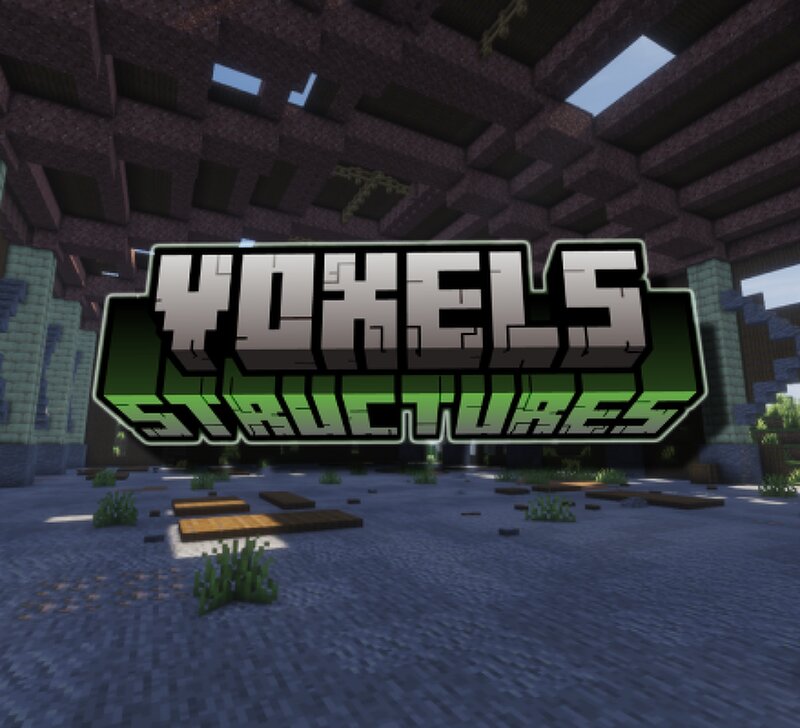
About Voxel's Structures is a mod that aims to bring new apocalyptic structures into your world. The goal is simple: make exploration much more exiting using pre-existing mods. You will find abandoned warehouses, plane crashes, treehouses, military bases and much more around your world. Most of the structures have items, blocks, and entities from other mods so please read the dependencies list before downloading! Dependencies [TaCZ] Timeless and Classics Zero Guns Burnt Basic This Rocks! Fungal Infection: Spore TryDeas: Meleez Doomsday Decoration Doomsday Decoration Translation Immersive Weathering Marble's Arsenal Please read and make sure you have all of these mods before playing or some blocks won't spawn! Gallery The Warehouse, my favorite One of the many buildings Ouch WARNING!! This is my FIRST EVER mods so expect bugs! :D (Please report bugs in comments, I have no Dirscord :d) Credits and use Thanks to MatrizDev for the treehouse and details on some builds. YOU MAY NOT redistribute this mod ON ANY OTHER website. YOU MAY use this mod in your modpack WITHOUT CREDIT. (IF you like you can credit me!)
Added value
What’s included on this page
Preview, categories, compatibility, and tools on this page — not a bare file mirror.
- Creator
- VoxelsYT
- Source
- Minecraft downloads library on Eaglercraft Studio
- Type
- Minecraft mod
- Price
- Free download on Eaglercraft Studio
- Curation
- Listed with credit to VoxelsYT · studio preview & install guide
- Game Version
- Minecraft 1.20.1
- Compatible with
- Minecraft Java (match version / loader in facts)
- Tags
- Apocalypse, Apocalyptic, Beta, Doomsday, Doomsdaydecor, Doomsdaydeocration
Install guide
How to install this free Minecraft mod
Eaglercraft Studio listing with metadata, creator credit, and loader-aware install guidance.
- 1Download the jar/zip when available.
- 2Install the matching loader (Forge, Fabric, or NeoForge) for your Minecraft version.
- 3Drop the mod into your mods folder, then launch with that profile.
Wrong loader or game version usually crashes on startup — read the facts on this page first.
Related free mods
More curated mods from the same library section.

Pastelmooncrafting15 · 67 diamonds · 20 views

PotatoWolfie · 60 diamonds · 2 views

PotatoWolfie · 53 diamonds · 622 views

Janss_33PL · 47 diamonds · 940 views