
Zayko
Creator: SkyNexusHD · 2025-12-30 · Mods · Free on Eaglercraft Studio
Download Zayko — free Minecraft mod. Created by SkyNexusHD. Tagged aesthetic, asthetics, atmosphere, day. Check the file details for Forge, Fabric, or NeoForge before installing.
Creator notes
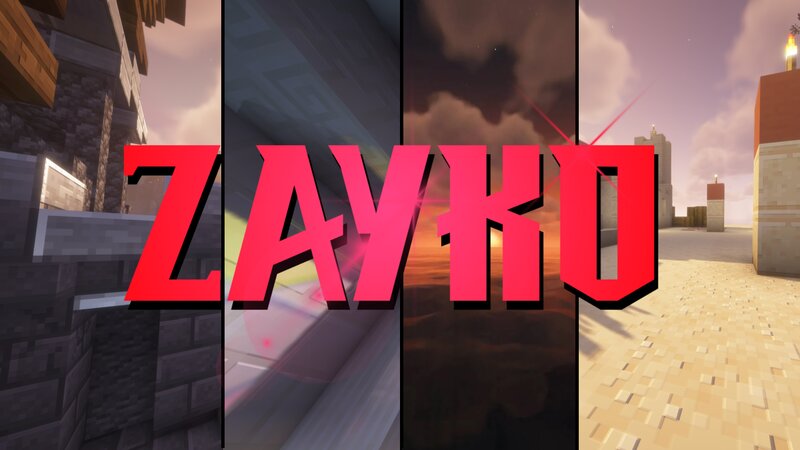
Short About Zayko is a shader pack for Minecraft Java Edition, designed with an emphasis on detail, excellent quality and optimization. It offers PBR effects, emissive textures for mobs, blocks and items, as well as a wide range of settings: from Very Low to Ultra. The shader is compatible with OptiFine and Iris, provides a stable frame rate, while allowing you to adjust the settings to suit any requirements. Zayko Shaders is a shader pack for Minecraft Java Edition with amazing attention to detail, great quality, and the best possible optimisation. Offering a range of amazing quality visuals and ajustable effects, instead of just giving you presets we also give you great ajustability with our shaders, including emmissive textures for mobs and blocks even certain items including PBR thanks to compatablity with Optifine and Iris ,and for those who just want a simple click and play without ajusting there are profiles ranging from Very Low to Ultra and it's build for Keeping a stable framerate with amazing shaders. if your new or don't know how to download shaders then were here to help! Modrith Launcher Click Install --> Pick an Instence or Create one --> Wait for it to do its magic
Added value
What’s included on this page
Preview, categories, compatibility, and tools on this page — not a bare file mirror.
- Creator
- SkyNexusHD
- Source
- Minecraft downloads library on Eaglercraft Studio
- Type
- Minecraft mod
- Price
- Free download on Eaglercraft Studio
- Curation
- Listed with credit to SkyNexusHD · studio preview & install guide
- Game Version
- Minecraft 1.21.11
- Compatible with
- Minecraft Java (match version / loader in facts)
- Tags
- Aesthetic, Asthetics, Atmosphere, Day, Landscaping, Lighting
Install guide
How to install this free Minecraft mod
Eaglercraft Studio listing with metadata, creator credit, and loader-aware install guidance.
- 1Download the jar/zip when available.
- 2Install the matching loader (Forge, Fabric, or NeoForge) for your Minecraft version.
- 3Drop the mod into your mods folder, then launch with that profile.
Wrong loader or game version usually crashes on startup — read the facts on this page first.
Related free mods
More curated mods from the same library section.

Pastelmooncrafting15 · 67 diamonds · 20 views

PotatoWolfie · 60 diamonds · 2 views

PotatoWolfie · 53 diamonds · 622 views

Janss_33PL · 47 diamonds · 940 views