
LuckyBlocks Race V3
Creator: PlasmaSpace Studios · 2026-09-25 · Maps · Free on Eaglercraft Studio
Download LuckyBlocks Race V3 — free Minecraft map. Created by PlasmaSpace Studios. Tagged luckyblocks, minigame, other, parkour. Get the world/schematic file when available and explore more free maps on Eaglercraft Studio.
Creator notes
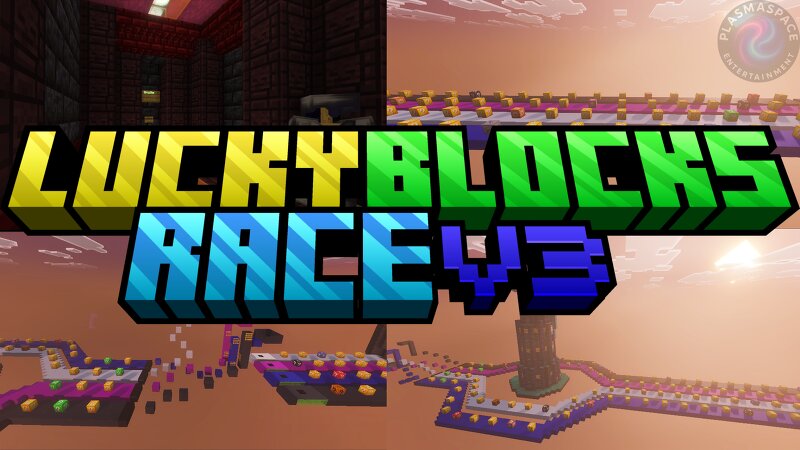
Today we bring you an amazing Lucky Blocks map for Minecraft Bedrock! In this fun adventure, you’ll find Lucky Blocks of good and bad luck, epic rewards, amazing structures, and special blocks that can summon dangerous mobs like Creepers, Zombies, Withers, and many more. How do you play? At the start of the game, each player must choose one of the 4 available colors: 🔵 Blue, ⚪ White, 🌸 Pink, or ⚙️ Gray. Once a color is chosen, the race begins! During the course, you’ll find a wide variety of Lucky Blocks with unexpected surprises. In the center of the map stands a huge tower filled with even more Lucky Blocks that could change the course of the game. ⚠️ Before reaching the finish line, you’ll have to overcome a small parkour challenge and perform a big jump towards some Slime blocks. If you manage to do it, you’ll reach the final area. ⚔️ PvP Zone At the end of the course, you’ll find a special arena where you can face off against your friends in exciting PvP battles to prove who had the best luck and is the true champion of the race. 🍀 Will you have enough luck to reach the end and defeat all your rivals? Credits: M ap Created By: MrJosh04 & Iskander Galindo. Published By: PlasmaS
Added value
What’s included on this page
Preview, categories, compatibility, and tools on this page — not a bare file mirror.
- Creator
- PlasmaSpace Studios
- Source
- Minecraft downloads library on Eaglercraft Studio
- Type
- Minecraft map / world
- Price
- Free download on Eaglercraft Studio
- Curation
- Listed with credit to PlasmaSpace Studios · studio preview & install guide
- Compatible with
- Minecraft Java (match version / loader in facts)
- Tags
- Luckyblocks, Minigame, Other, Parkour
Install guide
How to install this free Minecraft map
Eaglercraft Studio map listing with preview, creator credit, and install steps for Java worlds.
- 1Download the world archive (.zip / .mcworld / schematic) when available.
- 2For Java: extract into your .minecraft/saves folder (or import via your launcher).
- 3Launch Minecraft, select the world, and play. Keep a backup before overwriting saves.
Check any version notes in the facts panel — maps often target a specific Minecraft release.
Related free maps
More curated maps from the same library section.

CraftyFoxe · 761 diamonds · 418 views

CraftyFoxe · 761 diamonds · 339 views

CraftyFoxe · 761 diamonds · 319 views

CraftyFoxe · 761 diamonds · 306 views