
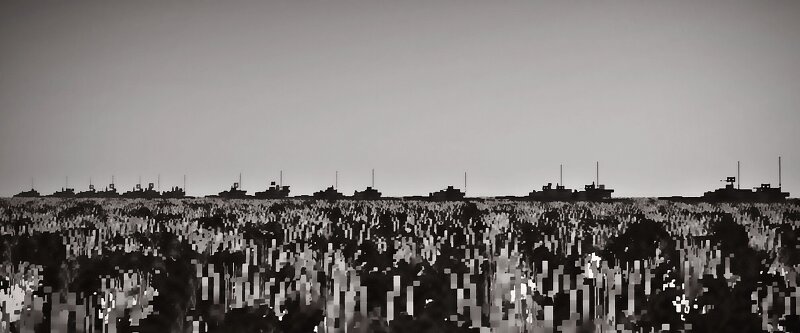
T-72 Main Battle Tank variant fullver part 2/2 (scale 1.5:1) No camouflage paint
Creator: Astray923 · 2026-09-06 · Maps · Free on Eaglercraft Studio
Download T-72 Main Battle Tank variant fullver part 2/2 (scale 1.5:1) No camouf — free Minecraft map. Created by Astray923. Tagged army, battle, battlefield, battletank. Get the world/schematic file when available and explore more free maps on Eaglercraft Studio.
Creator notes
I know you're wondering why it's listed as uncamouflaged, but the T-72AMT has a paint scheme. That's because I built it with camouflage from the start, and I was too lazy to change it, so I just included it. T-72B3M. Experiment :2014/2016. Lauch/A series:2017T-72M1. Experiment :1980 . Lauch/A series:1982-1983T-72M2. Experiment :1992. Lauch:1993-1995 /A series:1998T-72M4CZ. Experiment :1994-1997. A series:2003-2006T-72E. Experiment :2009 Not for production T-72BU. Experiment :1980-1990 launch/A series:1992-1993Pt-91. Experiment :1992 launch/A series:1993-1995T-72MP. Experiment :1997. Launch:June 1998 /May 1999 Not mass-produced. T-72UA-1. Experiment :??? Launch:2011 /A series 2012-2015T-72AMT. Experiment :2017 launch:2018-2019/A series:February 2020 ,Upgrade:2021-nowBMT-72. Experiment :2011-2013 launch:2017/A series:2018
Added value
What’s included on this page
Preview, categories, compatibility, and tools on this page — not a bare file mirror.
- Creator
- Astray923
- Source
- Minecraft downloads library on Eaglercraft Studio
- Type
- Minecraft map / world
- Price
- Free download on Eaglercraft Studio
- Curation
- Listed with credit to Astray923 · studio preview & install guide
- Compatible with
- Minecraft Java (match version / loader in facts)
- Tags
- Army, Battle, Battlefield, Battletank, Bmt72, Building
Install guide
How to install this free Minecraft map
Eaglercraft Studio map listing with preview, creator credit, and install steps for Java worlds.
- 1Download the world archive (.zip / .mcworld / schematic) when available.
- 2For Java: extract into your .minecraft/saves folder (or import via your launcher).
- 3Launch Minecraft, select the world, and play. Keep a backup before overwriting saves.
Check any version notes in the facts panel — maps often target a specific Minecraft release.
Related free maps
More curated maps from the same library section.

CraftyFoxe · 761 diamonds · 418 views

CraftyFoxe · 761 diamonds · 339 views

CraftyFoxe · 761 diamonds · 319 views

CraftyFoxe · 761 diamonds · 306 views