
The Backrooms - Version 1.1
Creator: MrChillinton · 2026-09-16 · Maps · Free on Eaglercraft Studio
Download The Backrooms - Version 1.1 — free Minecraft map. Created by MrChillinton. Tagged backrooms, backroomsmap, bedrock, bedrockedition. Get the world/schematic file when available and explore more free maps on Eaglercraft Studio.
Creator notes
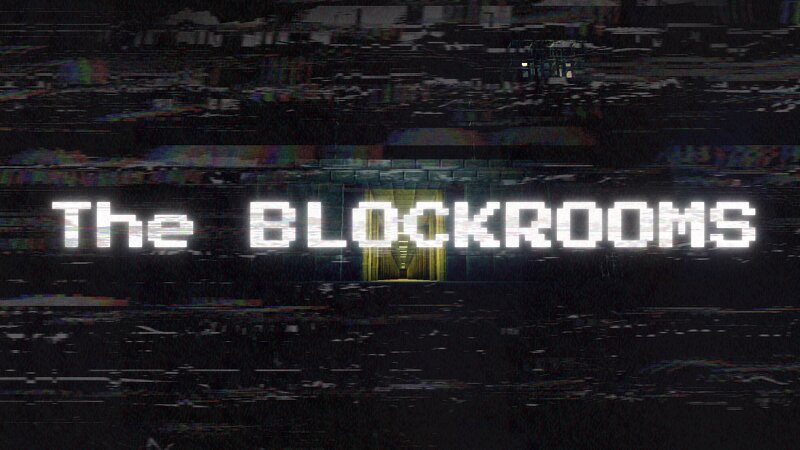
The Backrooms - Version 1.1 how did i get here i dont remember anything the hum buzz is driving me insane my head hurts i want out i must wake up. Welcome to version 1.1 of my Backrooms map! It’s the first official version and probably the last. Updated for 26.50! All older versions can be found on PMC under the name MrChillinton. It is fully vanilla in terms of blocks and structures (aside from the custom painting mod I made, which doesn’t count). I use a custom resource pack to add famous Backrooms music. If I am notified I can’t use it for some reason, like copyright or smth, I’ll remove it. I didn’t make the entity mod but put it on the map (Full credit to the mod creator): [b]https://www.curseforge.com/minecraft-bedrock/addons/backrooms-mobs[/b] Note: Nerds don't stone me, but I mixed MEG with Async because I can and wanted to bring the best of both worlds. -CURRENT LEVELS- - Level 0 🟨 - Slides Room Updated - Level Fun =) 🎉 - Level 1 🏢 - Level 2 🏭 - Level 3 🔌 - Area Increased - Level 4 🏢 - Area Increased - Level 5 🏨 - Area Increased - Level 6 🖤 - Level 7 🌊 - Level 9 🏘️ - Level 11 🏙️ - Level 37 🏊♂️ - Level Run For Your Life! ⚠️ - Level 94 🏠 - Level 188 🪟 - Level 232 🛒 - Leve
Added value
What’s included on this page
Preview, categories, compatibility, and tools on this page — not a bare file mirror.
- Creator
- MrChillinton
- Source
- Minecraft downloads library on Eaglercraft Studio
- Type
- Minecraft map / world
- Price
- Free download on Eaglercraft Studio
- Curation
- Listed with credit to MrChillinton · studio preview & install guide
- Compatible with
- Minecraft Java (match version / loader in facts)
- Tags
- Backrooms, Backroomsmap, Bedrock, Bedrockedition, Bedrockmap, Complex
Install guide
How to install this free Minecraft map
Eaglercraft Studio map listing with preview, creator credit, and install steps for Java worlds.
- 1Download the world archive (.zip / .mcworld / schematic) when available.
- 2For Java: extract into your .minecraft/saves folder (or import via your launcher).
- 3Launch Minecraft, select the world, and play. Keep a backup before overwriting saves.
Check any version notes in the facts panel — maps often target a specific Minecraft release.
Related free maps
More curated maps from the same library section.

CraftyFoxe · 761 diamonds · 418 views

CraftyFoxe · 761 diamonds · 339 views

CraftyFoxe · 761 diamonds · 319 views

CraftyFoxe · 761 diamonds · 306 views