
The ULTIMATE Practice Map V3.2 (1.26.2)
Creator: Slowalph · 2026-09-07 · Maps · Free on Eaglercraft Studio
Download The ULTIMATE Practice Map V3.2 (1.26.2) — free Minecraft map. Created by Slowalph. Tagged aimlabs, aimtrainer, bridging, chestlooting. Get the world/schematic file when available and explore more free maps on Eaglercraft Studio.
Creator notes
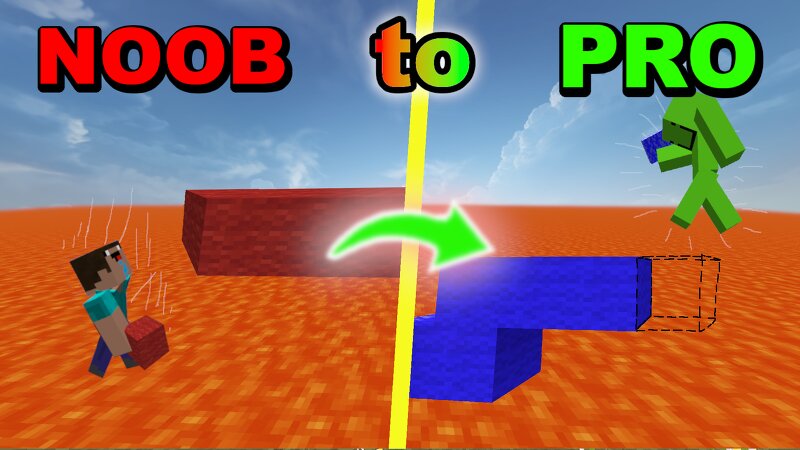
Sub to my YT to stay up to date: www.youtube.com/@Slowalph Updated: • Aim trainer - Settings are very customizable, like target size, target speed and number of targets. - Customize a "box" where the targets can spawn in. - 4 gamemodes: Normal, 360, Delayed and Tracking mode. - I dunno its pretty cool imo just check it out 5 other skills to practice: • Clutching - Has a wide range of items to practice clutching with - Also you're able to select a custom height • Parkour - A fully self generating parkour map - With toggle-ability of jump types and jump distance - Save and load up to 20 parkour generations - Choose what block to generate the parkour with • Bridging - Choose island distance, height and offset - Instantly clears map in a tick when you die allowing you to try again - Accurate timer • Chest looting - Practice looting Buried treasure and Bastion chests - Random item looting, fun way to practice looting from a cluttered chest. - Aim training in chest as well cause why not lol • Crafting Practice - Practice crafting any item in the entire game, from copper stairs and target block to end crystal and beacon like practice crafting anything you want. - Bulk crafting, you can cr
Added value
What’s included on this page
Preview, categories, compatibility, and tools on this page — not a bare file mirror.
- Creator
- Slowalph
- Source
- Minecraft downloads library on Eaglercraft Studio
- Type
- Minecraft map / world
- Price
- Free download on Eaglercraft Studio
- Curation
- Listed with credit to Slowalph · studio preview & install guide
- Compatible with
- Minecraft Java (match version / loader in facts)
- Tags
- Aimlabs, Aimtrainer, Bridging, Chestlooting, Clutching, Crafting
Install guide
How to install this free Minecraft map
Eaglercraft Studio map listing with preview, creator credit, and install steps for Java worlds.
- 1Download the world archive (.zip / .mcworld / schematic) when available.
- 2For Java: extract into your .minecraft/saves folder (or import via your launcher).
- 3Launch Minecraft, select the world, and play. Keep a backup before overwriting saves.
Check any version notes in the facts panel — maps often target a specific Minecraft release.
Related free maps
More curated maps from the same library section.

CraftyFoxe · 761 diamonds · 418 views

CraftyFoxe · 761 diamonds · 339 views

CraftyFoxe · 761 diamonds · 319 views

CraftyFoxe · 761 diamonds · 306 views