
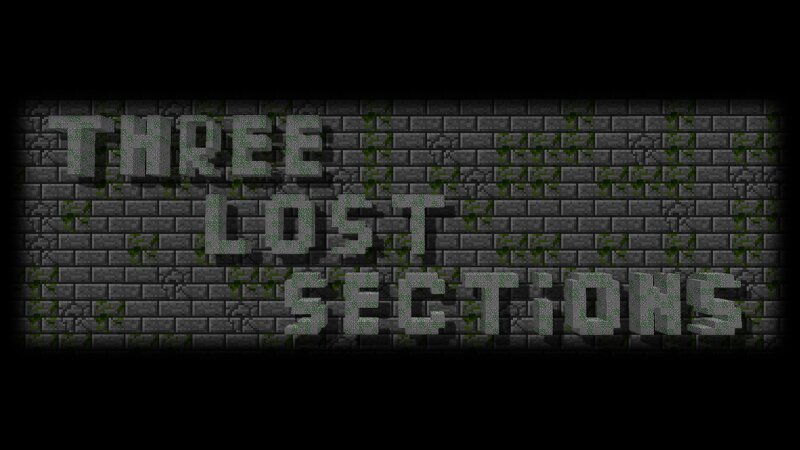
Three Lost Sections 1.6.4+
Creator: Vladik190905 · 2026-09-23 · Maps · Free on Eaglercraft Studio
Download Three Lost Sections 1.6.4+ — free Minecraft map. Created by Vladik190905. Tagged exploration, other, ruintheme, survival. Get the world/schematic file when available and explore more free maps on Eaglercraft Studio.
Creator notes
ENG: Installation: 1. Copy content from folder saves into saves (example: AppData/Roaming/.tlauncher/legacy/minecraft/game/saves). 2. Copy content from folder mods to mods (example: AppData/Roaming/.tlauncher/legacy/minecraft/game/mods). 3. Copy folder shaderpacks into shaderpacks (example: AppData/Roaming/.tlauncher/legacy/minecraft/game/shaderpacks). 4. Launch game and choose section start. (!IMPORTANT! If you intend to run the map on later versions with these mods, please find and install the versions of these mods compatible with your specific game version, the mods included in this archive are for version 1.6.4. only). Rules: 1. Do not cheating! 2. Do not move or break blocks! 3. Don't use Ender Pearls for instant teleportation! 4. Do not climb beyond the walls using vines! Story: A catastrophe struck Earth, turning the planet into a lifeless wasteland. A corporation constructed special sections to observing test subjects. You're and other survivors were placed in cells and put into anabiosis. But something went wrong, and everyone who woke up remained trapped there forever. After many years have passed, you awaken to discover that you're the only survivor. You have no choice
Added value
What’s included on this page
Preview, categories, compatibility, and tools on this page — not a bare file mirror.
- Creator
- Vladik190905
- Source
- Minecraft downloads library on Eaglercraft Studio
- Type
- Minecraft map / world
- Price
- Free download on Eaglercraft Studio
- Curation
- Listed with credit to Vladik190905 · studio preview & install guide
- Compatible with
- Minecraft Java (match version / loader in facts)
- Tags
- Exploration, Other, Ruintheme, Survival, Threelostsections
Install guide
How to install this free Minecraft map
Eaglercraft Studio map listing with preview, creator credit, and install steps for Java worlds.
- 1Download the world archive (.zip / .mcworld / schematic) when available.
- 2For Java: extract into your .minecraft/saves folder (or import via your launcher).
- 3Launch Minecraft, select the world, and play. Keep a backup before overwriting saves.
Check any version notes in the facts panel — maps often target a specific Minecraft release.
Related free maps
More curated maps from the same library section.

CraftyFoxe · 761 diamonds · 418 views

CraftyFoxe · 761 diamonds · 339 views

CraftyFoxe · 761 diamonds · 319 views

CraftyFoxe · 761 diamonds · 306 views