Click and drag to rotate
Bysunset
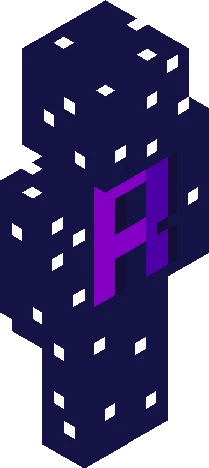
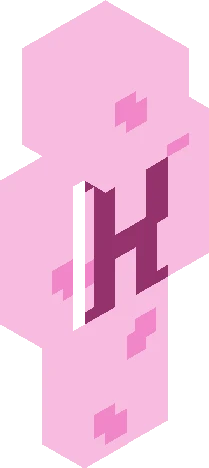
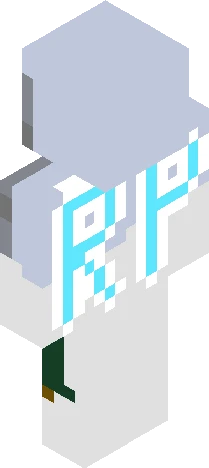
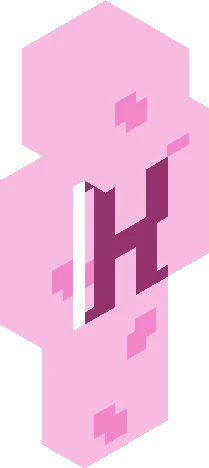
-=Sky and Earth RP Part II=-
by paintedsunsxt · Minecraft Skins community listing
Free -=Sky and Earth RP Part II=- skin for Minecraft and Eaglercraft. Tagged bysunset, fantasy, roleplay, sky and earth. Use the 3D preview, remix it in our skin editor, or download the PNG with no watermark.
Uploader notes
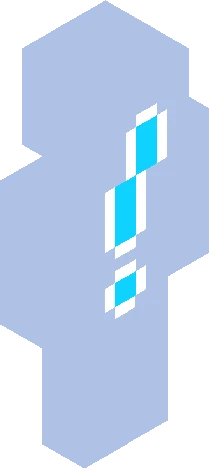
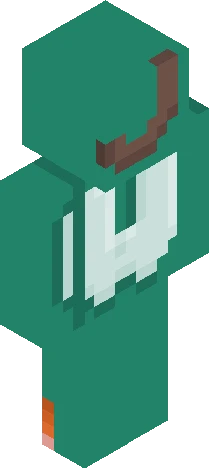
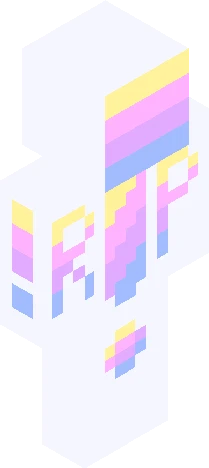
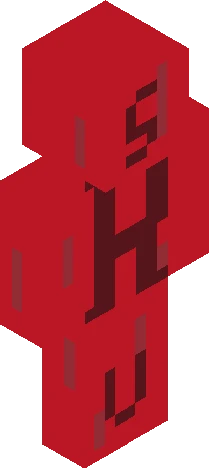
We’re on our second skin! Yayyyyy!!!!! The people on the earth are all ruled and protected by the royal sky cities, and for a while this monarchy worked, but in the last 75 yrs the ruling class has become more oppressive and power hungry. Their cities grow richer and more beautiful while the inhabitants of the lower kingdoms are either ignored or enslaved. Many monsters roam the lower kingdoms, attacking villages and killing their inhabitants and the soldiers from the sky cities that should be protecting them do nothing about it. There is also a deadly plague going around and no one can find the cure. Your characters have all left their homes for some reason and meet up in a cave after a monster attack on a nearby village that they were heading to. Their goal is to find the magic cure for the disease and take down the corrupt rulers of the sky cities. Cast list: (rp captain) Sunset- Shade and Jianna (co-captain) Blue- Lark Ginger- Katherine Sunder- Reishu Moony- Jude Imp- Aris Zxxmbies- Cleo Prim- Elyssa Goldn- Alexandrai Knux- Copper Chikn- Elodie Bqnnies- Sparrow
64×64 · classic or slim is detected from the PNG
Added value
What’s on this skin page
Preview, categories, compatibility, and tools on this page — not a bare file mirror.
- Creator
- paintedsunsxt
- Source
- Minecraft Skins community listing · curated on Eaglercraft Studio
- Format
- 64×64 PNG skin texture
- Model
- Classic or slim (detected from the PNG)
- Compatible with
- Eaglercraft · Minecraft Java · Bedrock (classic skin import)
- Studio tools
- 3D preview · browser editor · avatar maker
- Categories
- Bysunset, Fantasy, roleplay, sky and earth
Download
How to download this free skin
- 1Click Download skin to save the free PNG.
- 2Follow Use in Eaglercraft below for client steps, or import the file in Minecraft Java (Profile → Skins).
- 3Optional: open Avatar maker for a Discord / YouTube profile picture from the same texture.
Downloads are free. An optional account only saves favorites across devices.
Edit
How to edit this skin
- 1Open Edit skin to load this PNG in the browser editor.
- 2Paint, swap layers, or remix parts — changes stay on your device until you download.
- 3Export a new 64×64 PNG and use it in Eaglercraft or Minecraft Java.
Eaglercraft · Minecraft
How to use this skin in Eaglercraft
Download the PNG, then apply it in the Eaglercraft client you already use. Menus differ by host. This site does not distribute the game.
- 1Download the PNG with the button above.
- 2Open your Eaglercraft 1.8 client in the browser.
- 3On the title screen, open Options, then the skin control. It is often named Skin or Change Skin.
- 4Upload this PNG, or paste a direct image link if that menu asks for a URL.
- 5Join a world. The skin stays in this browser for that client.
Standard model · 64×64. We never ask for a game password. A skin file is only artwork.
Use this skin in Minecraft
- 1Download the same PNG.
- 2In the Minecraft Launcher, open Skins and choose a new skin.
- 3Pick classic or slim so the arms match this skin, then upload the file.
- 4Bedrock can use this artwork where that device lets you import a custom skin PNG. The file itself is the standard Java skin layout.
Similar skins
More library skins from related categories — curated for discovery, not random filler.