Click and drag to rotate
Minecraft live
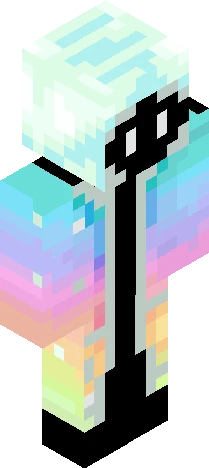
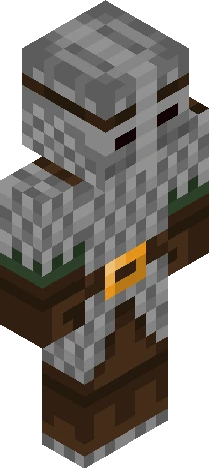
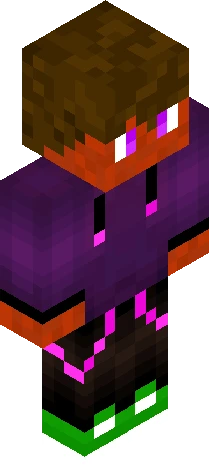
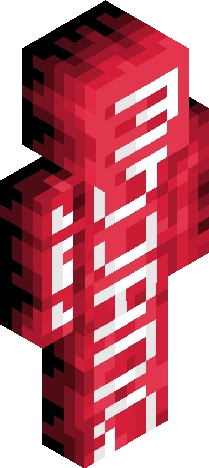
The Sift is coming to Vanilla!!
by Scar3dyCat · Minecraft Skins community listing
Free The Sift is coming to Vanilla!! skin for Minecraft and Eaglercraft. Tagged minecraft live, mojang, minecraft, sift. Use the 3D preview, remix it in our skin editor, or download the PNG with no watermark.
Uploader notes
Omg I did not expect them to announce the sift for vanilla Minecraft. Although I’m still confused about all the Endermen and stuff. Sorry for leaving this skin unfinished. I will fix it tomorrow. I just really wanted to talk about this. Also the new Ice Caves biome has been announced!! It looks great from what we’ve seen. The cool icicles and the iceballs. New zombie variant and a new freezing effect. So that’s for 26.4. But back to the sift in Minecraft Dungeons II. Apparently, the Sift includes multiple biomes. Two of which have been revealed: Singer’s Meadows and the Carapace. The ambiance sounds crazy beautiful from what we’ve heard and I’m so excited for Dungeons II even more so than before! Tho didn’t Mojang say they were going to update the existing dimensions before adding a new one?
64×64 · classic or slim is detected from the PNG
Added value
What’s on this skin page
Preview, categories, compatibility, and tools on this page — not a bare file mirror.
- Creator
- Scar3dyCat
- Source
- Minecraft Skins community listing · curated on Eaglercraft Studio
- Format
- 64×64 PNG skin texture
- Model
- Classic or slim (detected from the PNG)
- Compatible with
- Eaglercraft · Minecraft Java · Bedrock (classic skin import)
- Studio tools
- 3D preview · browser editor · avatar maker
- Categories
- Minecraft live, Mojang, minecraft, sift
Download
How to download this free skin
- 1Click Download skin to save the free PNG.
- 2Follow Use in Eaglercraft below for client steps, or import the file in Minecraft Java (Profile → Skins).
- 3Optional: open Avatar maker for a Discord / YouTube profile picture from the same texture.
Downloads are free. An optional account only saves favorites across devices.
Edit
How to edit this skin
- 1Open Edit skin to load this PNG in the browser editor.
- 2Paint, swap layers, or remix parts — changes stay on your device until you download.
- 3Export a new 64×64 PNG and use it in Eaglercraft or Minecraft Java.
Eaglercraft · Minecraft
How to use this skin in Eaglercraft
Download the PNG, then apply it in the Eaglercraft client you already use. Menus differ by host. This site does not distribute the game.
- 1Download the PNG with the button above.
- 2Open your Eaglercraft 1.8 client in the browser.
- 3On the title screen, open Options, then the skin control. It is often named Skin or Change Skin.
- 4Upload this PNG, or paste a direct image link if that menu asks for a URL.
- 5Join a world. The skin stays in this browser for that client.
Standard model · 64×64. We never ask for a game password. A skin file is only artwork.
Use this skin in Minecraft
- 1Download the same PNG.
- 2In the Minecraft Launcher, open Skins and choose a new skin.
- 3Pick classic or slim so the arms match this skin, then upload the file.
- 4Bedrock can use this artwork where that device lets you import a custom skin PNG. The file itself is the standard Java skin layout.
Similar skins
More library skins from related categories — curated for discovery, not random filler.


Does Anyone Want to Play Cubecraft on Java with Me?
64×64 PNG · Java, Bedrock, Eaglercraft



![*+// k n i g h t //+* ['special effect'] Minecraft skin preview](https://cdn.eaglercraft.studio/skins/m21217119/preview.webp)