
Absolute Pot-Fection
Creator: Gluet · 2026-04-23 · Data packs · Free on Eaglercraft Studio
Download Absolute Pot-Fection — free Minecraft data pack. Created by Gluet. Tagged archaeology, caveupdate, other, pots. Drop into your world’s datapacks folder when the archive is available.
Creator notes
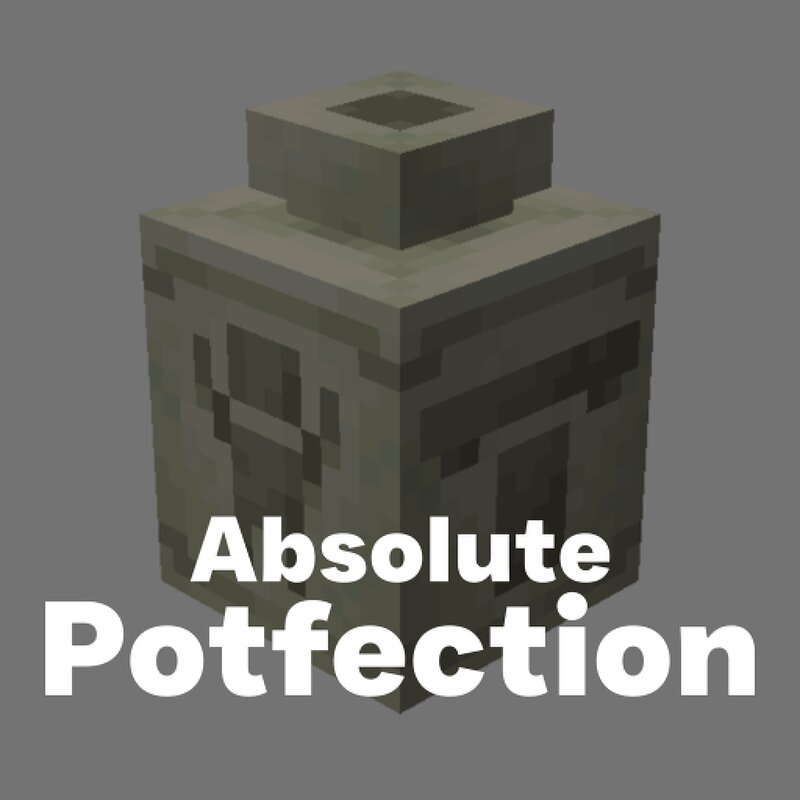
Welcome to ABSOLUTE POT-FECTION . The absolute expansion of the vanilla Minecraft pottery system, inspired by the original 1.17 pottery system that was never fully developed. Both Decorated Pots and Flower Pots have been updated through this experience. The Pottery System Decorated Pots and Flower Pots are crafted in the same way you always made them, with Clay Balls in place of Bricks to give the Unfired block variant. Now forget the crafting table, pottery is a hands-on experience. To alter Pots you must place them into the world and interact with them using a variety of items. Pottery Sherd - Right-click an Unfired Decorated Pot to stamp the sherd's texture onto the side you are facing. The sherd is not consumed , allowing for unlimited pots in even the most limited world. Brush - Right-click an Unfired Decorated Pot to clear the design from that face. Dyes - Right-click an Unfired Pot with any of the 16 vanilla dyes to apply color . Applying a new dye instantly overwrites the current color. This consumes the dye. Water Bottle - Right-click to wash off all dye, returning the pot to its natural clay color. This consumes the water. Firing To finalize a design, you must Fire the Po
Added value
What’s included on this page
Preview, categories, compatibility, and tools on this page — not a bare file mirror.
- Creator
- Gluet
- Source
- Minecraft downloads library on Eaglercraft Studio
- Type
- Minecraft data pack
- Price
- Free download on Eaglercraft Studio
- Curation
- Listed with credit to Gluet · studio preview & install guide
- Compatible with
- Minecraft Java (match version / loader in facts)
- Tags
- Archaeology, Caveupdate, Other, Pots, Pottery, Potteryupdate
Install guide
How to install this free data pack
Data pack listing with creator credit and world-folder install steps.
- 1Download the datapack archive.
- 2Open your world folder → datapacks, and place the zip or folder there.
- 3Run /reload in-game (or reopen the world) to enable it.
Data packs are Java Edition. Match the pack’s game version to avoid broken recipes or worldgen.
Related free data packs
More curated data packs from the same library section.

MoisturePack · 75 diamonds · 6 views

ProGameBot · 46 diamonds · 3 views

sniffercraft34 · 46 diamonds · 1 views

sniffercraft34 · 45 diamonds · 648 views