
Advanced Graves - The Best Customizable Grave Datapack Ever.
Creator: nos1130 · 2026-03-12 · Data packs · Free on Eaglercraft Studio
Download Advanced Graves - The Best Customizable Grave Datapack Ever. — free Minecraft data pack. Created by nos1130. Tagged advancements, adventure, functions, grave. Drop into your world’s datapacks folder when the archive is available.
Creator notes
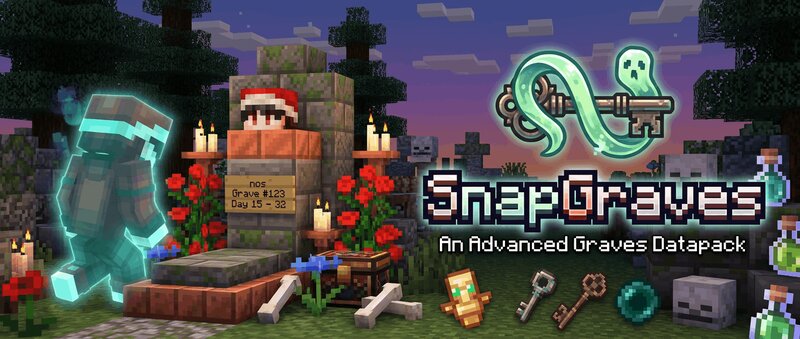
Tired of dying in lava, the void, or a brutal PVP fight only to watch your gear scatter and despawn forever? Say goodbye to frustration and hello to smart, safe, and highly customizable death protection! SnapGraves creates a secure grave at your death location that stores every single item and all your experience – exactly as they were in your inventory. No more random drops, no more racing against despawn timers in dangerous spots. Multi-Version Compatible Our Advanced Graves Datapack is compatible with both datapacks and mods for Fabric , Forge , Neoforge and Quilt from 1.21.6 to 1.21.11 . Fully Configurable via In-Game Menu No editing files needed! Adjust xp drop % , toggle remote looting/deleting , grave limit , grave glowing , and more with easy toggles, sliders, and options with no commands! Only settgins menu! No Resource Pack Required Download and play. That's it! Multiplayer & SMP Friendly Graves respect ownership , protection bubbles, to prevent griefing . Grave Spawning Your grave will spawn exactly the block you died. Graves are invulnerable, no hitbox, and with low level of light. Meaning that you can easily walk through graves and find the grave at night time. Graves
Added value
What’s included on this page
Preview, categories, compatibility, and tools on this page — not a bare file mirror.
- Creator
- nos1130
- Source
- Minecraft downloads library on Eaglercraft Studio
- Type
- Minecraft data pack
- Price
- Free download on Eaglercraft Studio
- Curation
- Listed with credit to nos1130 · studio preview & install guide
- Compatible with
- Minecraft Java (match version / loader in facts)
- Tags
- Advancements, Adventure, Functions, Grave, Graves, Qol
Install guide
How to install this free data pack
Data pack listing with creator credit and world-folder install steps.
- 1Download the datapack archive.
- 2Open your world folder → datapacks, and place the zip or folder there.
- 3Run /reload in-game (or reopen the world) to enable it.
Data packs are Java Edition. Match the pack’s game version to avoid broken recipes or worldgen.
Related free data packs
More curated data packs from the same library section.

MoisturePack · 75 diamonds · 6 views

ProGameBot · 46 diamonds · 3 views

sniffercraft34 · 46 diamonds · 1 views

sniffercraft34 · 45 diamonds · 648 views