
Beta Rebuilt
Creator: SmartyAlek · 2026-08-04 · Data packs · Free on Eaglercraft Studio
Download Beta Rebuilt — free Minecraft data pack. Created by SmartyAlek. Tagged beta, functions, loot tables, recipes. Drop into your world’s datapacks folder when the archive is available.
Creator notes
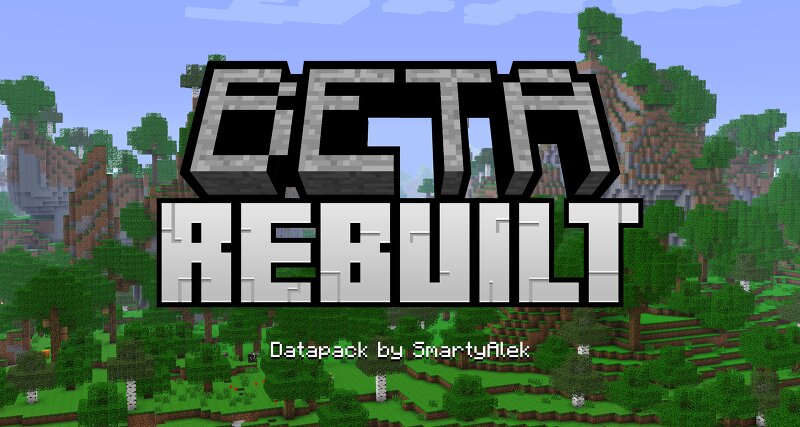
Beta Rebuilt Beta Rebuilt is a 100% Vanilla Datapack that attempts to recreate Beta 1.7.3 but with all the benefits of modern Minecraft. Features & Gameplay Disclaimers Beta Rebuilt was made for 26.2 ONLY I do not intend on keeping this pack supported for later versions, though that is subject to change. Do not use this datapack on existing worlds. This datapack is intended as a stand alone experience which heavily overwrites vanilla features. I cannot guarantee compatibility with any other mods/datapacks that modify terrain generation, biomes, structures, loot tables, or gameplay mechanics. Client-side mods are probably fine. All screenshots were taken using the Golden Days resource pack. Summary Every single feature has been designed to feel like Beta 1.7.3 World generation Environmental features Gameplay mechanics Removed all structures Food healing system Crafting recipes Modern additions Click here for jacobsjo's Datapack Seed Viewer World Generation Features such as terrain, ore distribution, underground lakes, biomes, beaches, grass color, and even flower patches have all been designed to emulate Beta. When playing Beta Rebuilt it should feel just like playing Beta. Environm
Added value
What’s included on this page
Preview, categories, compatibility, and tools on this page — not a bare file mirror.
- Creator
- SmartyAlek
- Source
- Minecraft downloads library on Eaglercraft Studio
- Type
- Minecraft data pack
- Price
- Free download on Eaglercraft Studio
- Curation
- Listed with credit to SmartyAlek · studio preview & install guide
- Compatible with
- Minecraft Java (match version / loader in facts)
- Tags
- Beta, Functions, Loot Tables, Recipes, Smarty, Smartyalek
Install guide
How to install this free data pack
Data pack listing with creator credit and world-folder install steps.
- 1Download the datapack archive.
- 2Open your world folder → datapacks, and place the zip or folder there.
- 3Run /reload in-game (or reopen the world) to enable it.
Data packs are Java Edition. Match the pack’s game version to avoid broken recipes or worldgen.
Related free data packs
More curated data packs from the same library section.

MoisturePack · 75 diamonds · 6 views

ProGameBot · 46 diamonds · 3 views

sniffercraft34 · 46 diamonds · 1 views

sniffercraft34 · 45 diamonds · 648 views