
Cave World (26.1)
Creator: Sted · 2026-05-12 · Data packs · Free on Eaglercraft Studio
Download Cave World (26.1) — free Minecraft data pack. Created by Sted. Tagged ancient, ancientcity, bat, canyon. Drop into your world’s datapacks folder when the archive is available.
Creator notes
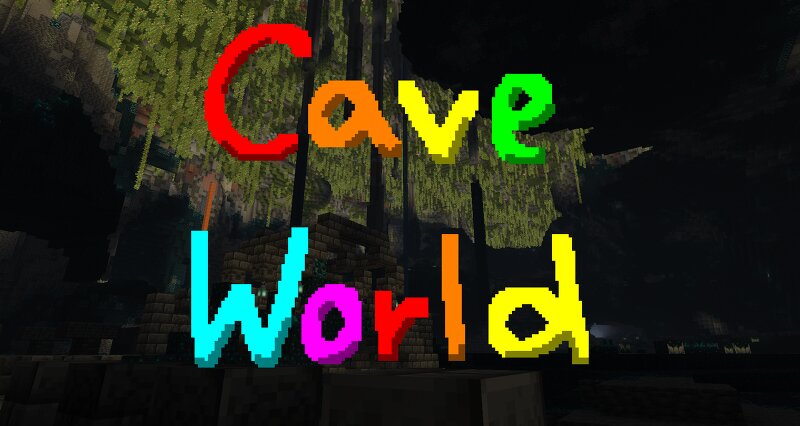
~ datapack by sted, after a lot of experimentation with density functions ~ Replaces the overworld dimension with a C a v e W o r l d ! The world is completely made of caves, and there is no surface on top of the world! This dimension can be used as a sort of challenge run, as beating the game is possible! Following cave types can be explored: - Default cave/ravine carvers (Unchanged from default vanilla generation) - Cheese Caves (Unchanged from default vanilla generation) - Spaghetti Caves (Wider and thicker, go on forever) - Noodle Caves (Unchanged from default vanilla generation) - Nether-like Caves (Rare giant air pockets with no pillars, similar to nether world generation) - Noise Ravines (Similar to default carver ravines, but extremely large) - Pitfalls (Deep holes piercing hundreds of blocks) only Lush caves , Dripstone caves , and Deep Darks generate in this dimension. Mineshafts , Trial Chambers , Mob Spawners , Ancient Cities as well as Strongholds can be found. No changes to biomes and ore distributions were made. The world height was changed to go from -64 to 192. The deepslate layer starts at 0, just like in vanilla. When creating a world, the game will attempt to sp
Added value
What’s included on this page
Preview, categories, compatibility, and tools on this page — not a bare file mirror.
- Creator
- Sted
- Source
- Minecraft downloads library on Eaglercraft Studio
- Type
- Minecraft data pack
- Price
- Free download on Eaglercraft Studio
- Curation
- Listed with credit to Sted · studio preview & install guide
- Compatible with
- Minecraft Java (match version / loader in facts)
- Tags
- Ancient, Ancientcity, Bat, Canyon, Cave, Caves
Install guide
How to install this free data pack
Data pack listing with creator credit and world-folder install steps.
- 1Download the datapack archive.
- 2Open your world folder → datapacks, and place the zip or folder there.
- 3Run /reload in-game (or reopen the world) to enable it.
Data packs are Java Edition. Match the pack’s game version to avoid broken recipes or worldgen.
Related free data packs
More curated data packs from the same library section.

MoisturePack · 75 diamonds · 6 views

ProGameBot · 46 diamonds · 3 views

sniffercraft34 · 46 diamonds · 1 views

sniffercraft34 · 45 diamonds · 648 views