
Compound Bow: Reforged (26.1+)
Creator: MC_Ninja38 · 2026-05-04 · Data packs · Free on Eaglercraft Studio
Download Compound Bow: Reforged (26.1+) — free Minecraft data pack. Created by MC_Ninja38. Tagged advancements, bow, compound, compound bow. Drop into your world’s datapacks folder when the archive is available.
Creator notes
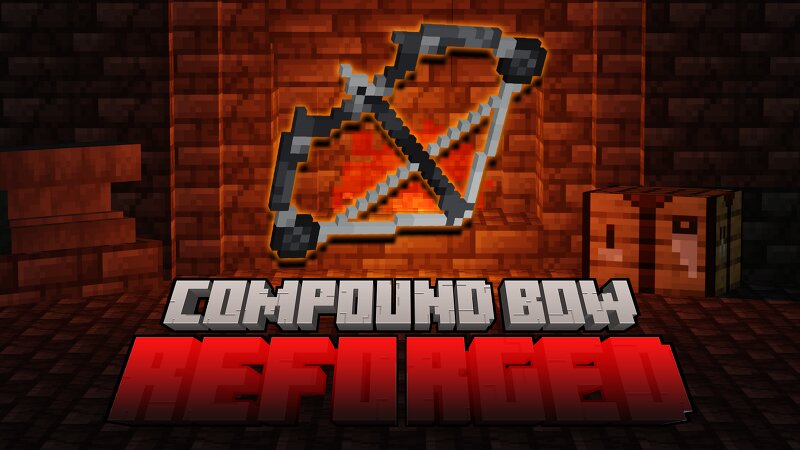
Compound Bow: Reforged A complete rebuild of the original Compound Bow datapack. Reforged is not an update. It is a full redesign using modern datapack systems, with a focus on reliability, multiplayer safety, and clear, deterministic behavior. The original Compound Bow proved the concept. Reforged turns it into a fully engineered system. -Tutorial Video: www.youtube.com/watch?v=yn1dm6crmL0 What Changed The entire foundation has been replaced. The original relied on score-based crafting, simulated projectile logic, and workaround-heavy systems to achieve its behavior. It worked, but it was fragile, difficult to maintain, and prone to edge cases. Reforged removes those limitations entirely. Crafting is now dialog-driven and validated through item data, not scoreboard counters. Every component is explicitly checked, and only properly assembled items are recognized by the system. Projectile behavior no longer relies on raycasts or simulated hits. Reforged modifies the actual arrow entity, using ownership attribution to ensure that only the correct projectile is affected, even in multiplayer environments. Durability is now handled through the built-in system, replacing manual shot trac
Added value
What’s included on this page
Preview, categories, compatibility, and tools on this page — not a bare file mirror.
- Creator
- MC_Ninja38
- Source
- Minecraft downloads library on Eaglercraft Studio
- Type
- Minecraft data pack
- Price
- Free download on Eaglercraft Studio
- Curation
- Listed with credit to MC_Ninja38 · studio preview & install guide
- to version
- Minecraft 26.2
- Compatible with
- Minecraft Java (match version / loader in facts)
- Tags
- Advancements, Bow, Compound, Compound Bow, Compoundbow, Functions
Install guide
How to install this free data pack
Data pack listing with creator credit and world-folder install steps.
- 1Download the datapack archive.
- 2Open your world folder → datapacks, and place the zip or folder there.
- 3Run /reload in-game (or reopen the world) to enable it.
Data packs are Java Edition. Match the pack’s game version to avoid broken recipes or worldgen.
Related free data packs
More curated data packs from the same library section.

MoisturePack · 75 diamonds · 6 views

ProGameBot · 46 diamonds · 3 views

sniffercraft34 · 46 diamonds · 1 views

sniffercraft34 · 45 diamonds · 648 views