
Creative Mode PVP
Creator: PizzaBombz · 2026-05-29 · Data packs · Free on Eaglercraft Studio
Download Creative Mode PVP — free Minecraft data pack. Created by PizzaBombz. Tagged creativemode, functions, pvp. Drop into your world’s datapacks folder when the archive is available.
Creator notes
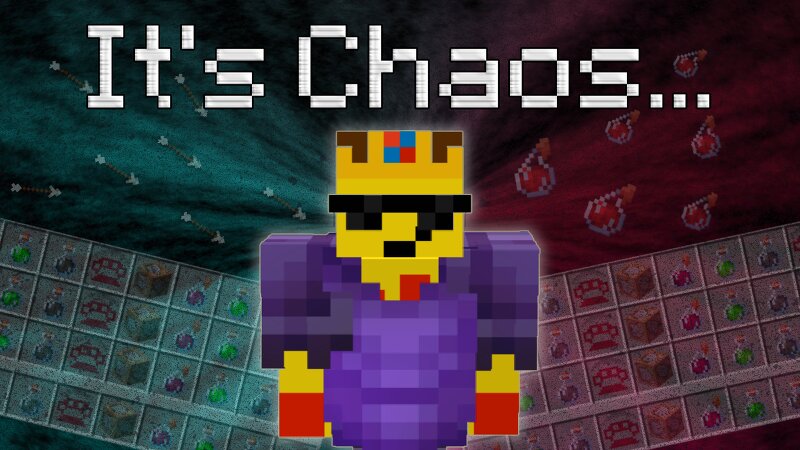
Have you ever wanted to PVP your friends in Creative Mode? Well now you can! With 8 custom weapons and 2 custom healing items, take to the skies and combat your opponents. See the video of it in action: youtu.be/7ueDcsRzC_c Weapons work by reducing your opponent's abilities, reducing either their inventory space (red weapons), gravity (purple weapons), block interaction range (blue weapons), or entity interaction range (green weapons). Please read the "README.txt" file before you use it! IMPORTANT: To get the items yourself, run the command "/function cpvp:giveallitems" | There likely will be ways to obtain items individually in the future, but this should give you all relavant items. Red Weapons Red weapons reduce the amount of inventory space your opponent has on a hit. Melee The melee weapon travels instantly, and is affected by your entity interaction range. Upon use, you will either hear a miss sound, or a hit sound, which occurs when your weapon hits a player or block within range. The melee weapon removes 3 inventory slots Long Range The long range weapon travels quickly with a range of around 120 blocks. Once it hits a target, it will dissapear, and remove 1 inventory slot
Added value
What’s included on this page
Preview, categories, compatibility, and tools on this page — not a bare file mirror.
- Creator
- PizzaBombz
- Source
- Minecraft downloads library on Eaglercraft Studio
- Type
- Minecraft data pack
- Price
- Free download on Eaglercraft Studio
- Curation
- Listed with credit to PizzaBombz · studio preview & install guide
- Compatible with
- Minecraft Java (match version / loader in facts)
- Tags
- Creativemode, Functions, Pvp
Install guide
How to install this free data pack
Data pack listing with creator credit and world-folder install steps.
- 1Download the datapack archive.
- 2Open your world folder → datapacks, and place the zip or folder there.
- 3Run /reload in-game (or reopen the world) to enable it.
Data packs are Java Edition. Match the pack’s game version to avoid broken recipes or worldgen.
Related free data packs
More curated data packs from the same library section.

MoisturePack · 75 diamonds · 6 views

ProGameBot · 46 diamonds · 3 views

sniffercraft34 · 46 diamonds · 1 views

sniffercraft34 · 45 diamonds · 648 views