
Custom Daylight Cycle
Creator: Xenton · 2026-09-01 · Data packs · Free on Eaglercraft Studio
Download Custom Daylight Cycle — free Minecraft data pack. Created by Xenton. Tagged game mechanic. Drop into your world’s datapacks folder when the archive is available.
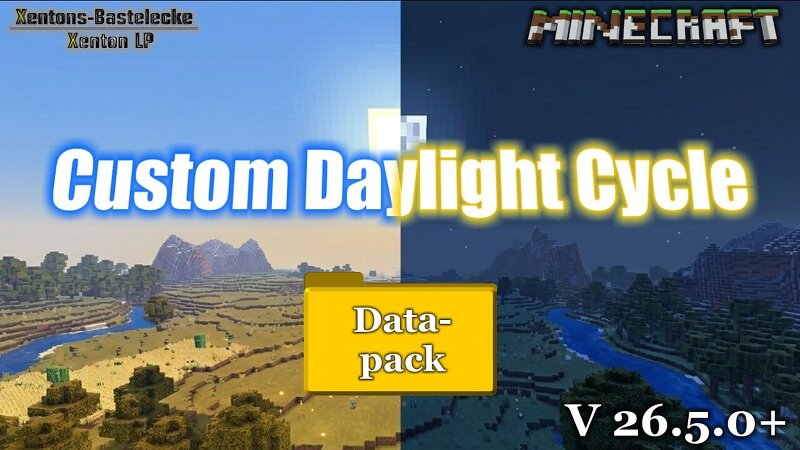
Creator notes
# Minecraft-Custom-Daylight-Cycle Runable and tested in V1.21.11, V26.1.x, V26.2.x Datapack for Minecraft to override the ingame daylight cycle, to make it possible, to have own time for night and day. Example: 30min day and 5min night # Installation: - Put this datapack in your savegame, in the folder datapacks - - Example: .minecraft - saves - YourWorld - datapacks - Custom_Daylight_Cycle_26-x.x.zip - After reload with command "/reload" your world, you can check is the datapack available with the command "/datapack list". When you find in green brackets: [file/Daylight_Cycle_26-x-x (world)], than the datapack is correct installed - You don't need to do anything to initalise this datapack, it will be run automaticly after correct install. # Run: - The gamerule advance_time will be not changed, only the position off the sun and moon, will be overitten by the datapack. - For settings, you have 3 options: set datapack pause, set datapack resume and for settings window - - Commands: - - - /function x_daylight_cycle:x_dl_c__settings -- Settingwindow (Since 26.5.0) - - - /function x_daylight_cycle:x_dl_c__pause -- Paused the calculation from the sun/moon position. The ingame calculation
Added value
What’s included on this page
Preview, categories, compatibility, and tools on this page — not a bare file mirror.
- Creator
- Xenton
- Source
- Minecraft downloads library on Eaglercraft Studio
- Type
- Minecraft data pack
- Price
- Free download on Eaglercraft Studio
- Curation
- Listed with credit to Xenton · studio preview & install guide
- to version
- Minecraft 26.2
- Compatible with
- Minecraft Java (match version / loader in facts)
- Tags
- Game Mechanic
Install guide
How to install this free data pack
Data pack listing with creator credit and world-folder install steps.
- 1Download the datapack archive.
- 2Open your world folder → datapacks, and place the zip or folder there.
- 3Run /reload in-game (or reopen the world) to enable it.
Data packs are Java Edition. Match the pack’s game version to avoid broken recipes or worldgen.
Related free data packs
More curated data packs from the same library section.

MoisturePack · 75 diamonds · 6 views

ProGameBot · 46 diamonds · 3 views

sniffercraft34 · 46 diamonds · 1 views

sniffercraft34 · 45 diamonds · 648 views