
Death Chest
Creator: BibekTheLegend · 2026-06-21 · Data packs · Free on Eaglercraft Studio
Download Death Chest — free Minecraft data pack. Created by BibekTheLegend. Tagged barrel, blacklist, compass, coordinates. Drop into your world’s datapacks folder when the archive is available.
Creator notes
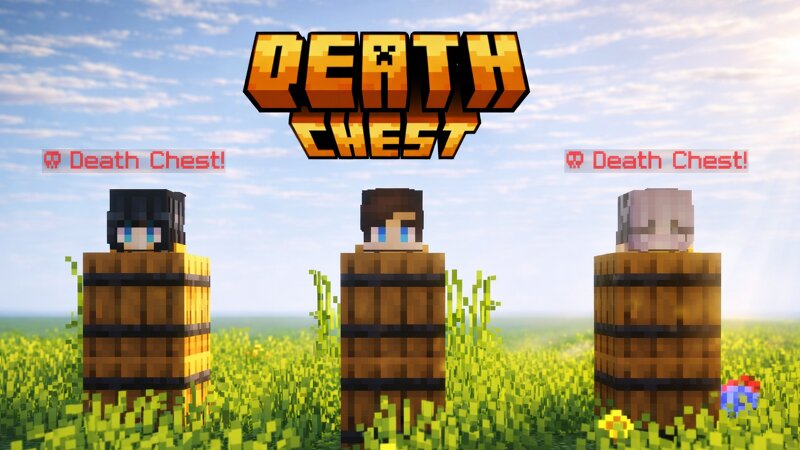
This page no longer supports the 1.20+ datapack/mod version . To download the latest version, get bug fixes, and see new features, please visit the official page on Modrinth Link . Death Chest is a lightweight, ultra-performance-optimized system that securely preserves your inventory inside a localized barrel container upon death. It instantly captures your exact coordinates and handles data dynamically to prevent clashing or server strain. Built for seamless multiplayer scaling, it provides clear chat logging to guide you right back to your lost gear. Fast, stable, and secure item storage Automatically stores your items inside a barrel when you die, keeping your inventory safe. Barrel-based storage system Uses barrels instead of chests for easier access and reduced server lag. Blacklist system Prevent abuse by blocking specific players from using the death chest system. /tag <player_name> add death_chest_blacklisted Death chest tracking compass Easily locate your death chest using a compass. Death location notification Sends your death coordinates directly to you in chat. Collectible death items Stores the player's head on death inside the hotbar barrel. Smart overflow handling Au
Added value
What’s included on this page
Preview, categories, compatibility, and tools on this page — not a bare file mirror.
- Creator
- BibekTheLegend
- Source
- Minecraft downloads library on Eaglercraft Studio
- Type
- Minecraft data pack
- Price
- Free download on Eaglercraft Studio
- Curation
- Listed with credit to BibekTheLegend · studio preview & install guide
- to version
- Minecraft 26.1
- Compatible with
- Minecraft Java (match version / loader in facts)
- Tags
- Barrel, Blacklist, Compass, Coordinates, Datapack, Death
Install guide
How to install this free data pack
Data pack listing with creator credit and world-folder install steps.
- 1Download the datapack archive.
- 2Open your world folder → datapacks, and place the zip or folder there.
- 3Run /reload in-game (or reopen the world) to enable it.
Data packs are Java Edition. Match the pack’s game version to avoid broken recipes or worldgen.
Related free data packs
More curated data packs from the same library section.

MoisturePack · 75 diamonds · 6 views

ProGameBot · 46 diamonds · 3 views

sniffercraft34 · 46 diamonds · 1 views

sniffercraft34 · 45 diamonds · 648 views