
Disable Axe Stripped Logs (Java 26.3 Release)
Creator: MoonDogg750 · 2026-09-24 · Data packs · Free on Eaglercraft Studio
Download Disable Axe Stripped Logs (Java 26.3 Release) — free Minecraft data pack. Created by MoonDogg750. Tagged quality of life. Drop into your world’s datapacks folder when the archive is available.
Creator notes
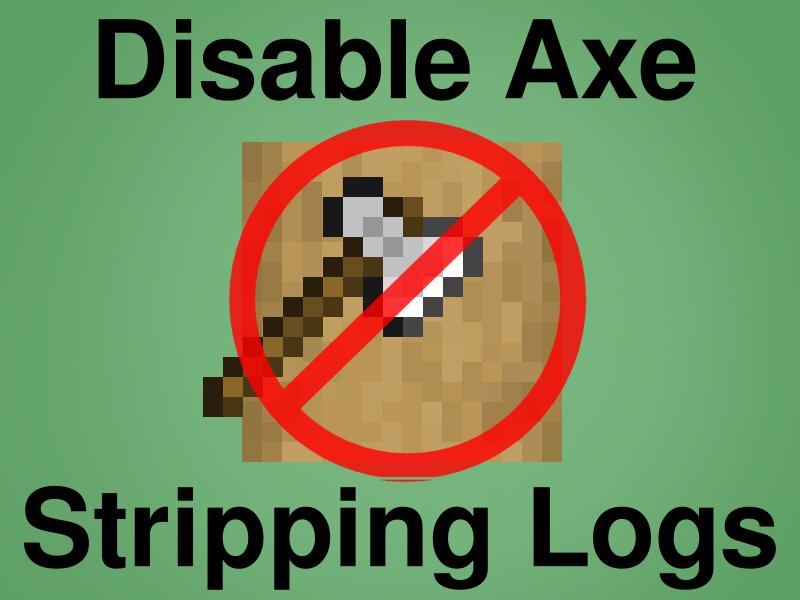
[ NOTE: This Data Pack was built In/For Java 26.3 Release ] This Data Pack Disables Axes from transforming Log Types into Stripping Log Types. (This Includes Bamboo Block, Crimson Stem, and Warped Stem.) Axes can stills Scrape Waxed and Oxidized Copper Block Types. (So not to affect other aspects of game play, such as exploring trial chambers.) All Stripped Log Types have been added to the Stonecutter. ( Example Below ) List of All Affected Blocks and (Recipes Added to the Stonecutter): Oak Log (Stripped Oak Log) Spruce Log (Stripped Spruce Log) Birch Log (Stripped Birch Log) Jungle Log (Stripped Jungle Log) Acacia Log (Stripped Acacia Log) Dark Oak Log (Stripped Dark Oak Log) Mangrove Log (Stripped Mangrove Log) Cherry Log (Stripped Cherry Log) Pale Log (Stripped Pale Log) Poplar Log (Stripped Poplar Log) Crimson Stem (Stripped Crimson Stem) Warped Stem (Stripped Warped Stem) Bamboo Block (Stripped Bamboo Block) To Install: Extract the zip file into [.minecraft/saves/ *Your World Name* /datapacks/] [ NOTE: Mojang considers changes to "block_transformer/axe" as "Experimental Settings" and you will be required to click "I Know What I'm Doing" every time you load the world.]
Added value
What’s included on this page
Preview, categories, compatibility, and tools on this page — not a bare file mirror.
- Creator
- MoonDogg750
- Source
- Minecraft downloads library on Eaglercraft Studio
- Type
- Minecraft data pack
- Price
- Free download on Eaglercraft Studio
- Curation
- Listed with credit to MoonDogg750 · studio preview & install guide
- Compatible with
- Minecraft Java (match version / loader in facts)
- Tags
- Quality Of Life
Install guide
How to install this free data pack
Data pack listing with creator credit and world-folder install steps.
- 1Download the datapack archive.
- 2Open your world folder → datapacks, and place the zip or folder there.
- 3Run /reload in-game (or reopen the world) to enable it.
Data packs are Java Edition. Match the pack’s game version to avoid broken recipes or worldgen.
Related free data packs
More curated data packs from the same library section.

MoisturePack · 75 diamonds · 6 views

ProGameBot · 46 diamonds · 3 views

sniffercraft34 · 46 diamonds · 1 views

sniffercraft34 · 45 diamonds · 648 views