
Dynamic Light Offhand Support | Lighting | Lights
Creator: RisabGamerz · 2026-04-11 · Data packs · Free on Eaglercraft Studio
Download Dynamic Light Offhand Support | Lighting | Lights — free Minecraft data pack. Created by RisabGamerz. Tagged dynamiclight, dynamiclighting, dynamiclights, functions. Drop into your world’s datapacks folder when the archive is available.
Creator notes
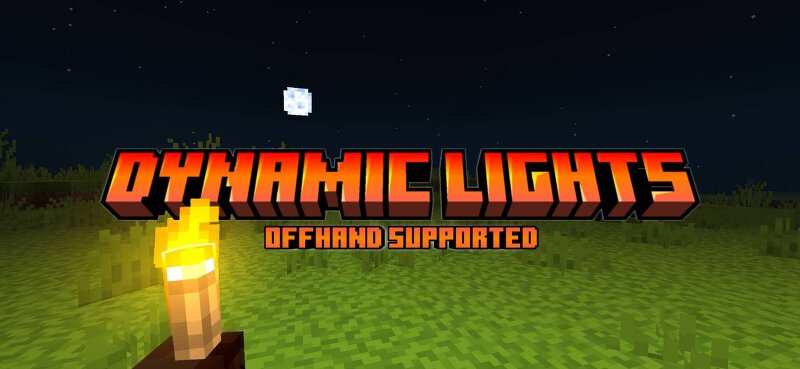
Transform your Minecraft Bedrock/Pocket Edition gameplay with this powerful addon! Designed for adventurers, builders, and explorers, it brings features that make your world more immersive and visually stunning. Key Features: Dynamic Lighting: Realistic illumination that lights up your surroundings as you move. Torches, glowstones, and other light sources now brighten nearby areas dynamically, making exploration safer and more immersive. Left-Hand Torch: Previously exclusive to Java Edition, this feature lets you hold your torch in your left hand, giving you better visibility while mining, building, or adventuring. Images: Socials: Join our discord Support On Kofi: You Are Allowed To: Showcase my work in videos/streams if you give proper credit (e.g., link to the official download). Edit file for personal use only You Are Not Allowed To: Distribute through monetized links (AdFly, Linkvertise, etc.). Edit and re-share my projects If You Give Low Rating ,You Should Comment the Reason
Added value
What’s included on this page
Preview, categories, compatibility, and tools on this page — not a bare file mirror.
- Creator
- RisabGamerz
- Source
- Minecraft downloads library on Eaglercraft Studio
- Type
- Minecraft data pack
- Price
- Free download on Eaglercraft Studio
- Curation
- Listed with credit to RisabGamerz · studio preview & install guide
- to version
- Minecraft 1.21
- Compatible with
- Minecraft Java (match version / loader in facts)
- Tags
- Dynamiclight, Dynamiclighting, Dynamiclights, Functions, Mcpe, Offhand
Install guide
How to install this free data pack
Data pack listing with creator credit and world-folder install steps.
- 1Download the datapack archive.
- 2Open your world folder → datapacks, and place the zip or folder there.
- 3Run /reload in-game (or reopen the world) to enable it.
Data packs are Java Edition. Match the pack’s game version to avoid broken recipes or worldgen.
Related free data packs
More curated data packs from the same library section.

MoisturePack · 75 diamonds · 6 views

ProGameBot · 46 diamonds · 3 views

sniffercraft34 · 46 diamonds · 1 views

sniffercraft34 · 45 diamonds · 648 views