
Firearms --- Resident Evil 4 Inspired Datapack
Creator: catbreadloaf · 2026-03-21 · Data packs · Free on Eaglercraft Studio
Download Firearms --- Resident Evil 4 Inspired Datapack — free Minecraft data pack. Created by catbreadloaf. Tagged advancements, castle, cheese, cosmetic. Drop into your world’s datapacks folder when the archive is available.
Creator notes
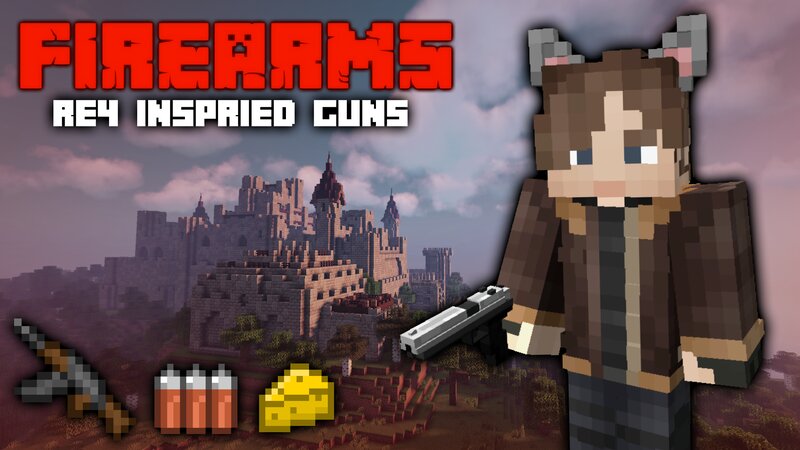
Description Firearms is a Resident Evil 4 inspired datapack. Craft and upgrade guns from the original game, find Mousley and feed her Cheese to unlock bonus content , and delve into a large, procedurally generated castle to acquire pesetas ! Firearms There are 7 Firearms in total, and a Rocket Launcher. Hold a Firearm in your mainhand and right click to fire. Below is an explanation of all mechanics relevant to Firearms, as well as a breakdown of each one. Deadeye Mode Sneaking while holding a Firearm will activate deadeye mode after some time, allowing bullets fired to deal critical hits. Ammo Usage All Firearms use some kind of ammo to fire . You must have the correct ammo type in your inventory to load a clip. The ammo type for each Firearm is detailed in the breakdown table below. Ammo recipes are unlocked automatically when a Firearm enters your inventory. Reloading Firearms can be manually reloaded by pressing F while in your mainhand. Reloading happens automatically when ammo reaches 0 . Damage Falloff Bullets fired experience damage falloff over certain ranges , particular to each Firearm. Some Firearms will require a close range to be effective, whereas others (such as the
Added value
What’s included on this page
Preview, categories, compatibility, and tools on this page — not a bare file mirror.
- Creator
- catbreadloaf
- Source
- Minecraft downloads library on Eaglercraft Studio
- Type
- Minecraft data pack
- Price
- Free download on Eaglercraft Studio
- Curation
- Listed with credit to catbreadloaf · studio preview & install guide
- Compatible with
- Minecraft Java (match version / loader in facts)
- Tags
- Advancements, Castle, Cheese, Cosmetic, Dungeon, Firearms
Install guide
How to install this free data pack
Data pack listing with creator credit and world-folder install steps.
- 1Download the datapack archive.
- 2Open your world folder → datapacks, and place the zip or folder there.
- 3Run /reload in-game (or reopen the world) to enable it.
Data packs are Java Edition. Match the pack’s game version to avoid broken recipes or worldgen.
Related free data packs
More curated data packs from the same library section.

MoisturePack · 75 diamonds · 6 views

ProGameBot · 46 diamonds · 3 views

sniffercraft34 · 46 diamonds · 1 views

sniffercraft34 · 45 diamonds · 648 views