
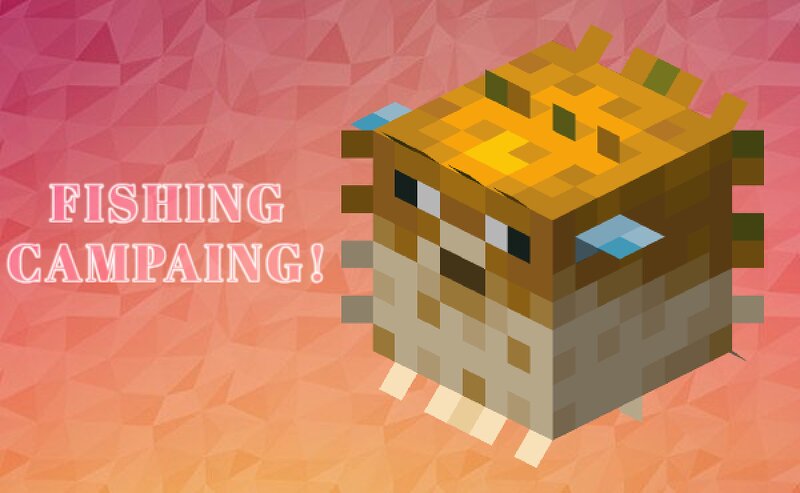
Fishing Campaing!
Creator: DeniseTeAma · 2026-09-27 · Data packs · Free on Eaglercraft Studio
Download Fishing Campaing! — free Minecraft data pack. Created by DeniseTeAma. Tagged fish, fishing, levels. Drop into your world’s datapacks folder when the archive is available.
Creator notes
Fishing Campaign 40 real-life fish species • 4 rarities • 100 angler levels • Vanilla loot rewards Lightweight, conflict-free and server-friendly. Works on Vanilla and NeoForge 1.21.1. Turn fishing into a real long-term adventure! Fishing Campaign adds 40 special fish based on real species, each with its own name, lore and unique effects when eaten. Level up as an angler across 100 levels, improve your odds of landing rare catches, and earn random vanilla treasure every time you level up. No new textures, no resource pack needed: special fish use the normal Minecraft fish models with custom names, colored rarities and descriptions, so the pack fits perfectly into any world or modpack. 🎣 How it works Every time you reel in a fish, there is a 30% chance it turns into a special fish. Junk and treasure catches are never touched. Special fish come in four rarities: Uncommon (green) - 60% Rare (blue) - 30% Epic (purple) - 9% Legendary (gold, enchanted glint) - 1% 🍖 Eat them for powerful effects Special fish can be eaten straight away, no cooking needed. Every species gives different effects, and the rarer the fish, the stronger and longer they are: Uncommon: 1 effect, level I, 15 to 90 s
Added value
What’s included on this page
Preview, categories, compatibility, and tools on this page — not a bare file mirror.
- Creator
- DeniseTeAma
- Source
- Minecraft downloads library on Eaglercraft Studio
- Type
- Minecraft data pack
- Price
- Free download on Eaglercraft Studio
- Curation
- Listed with credit to DeniseTeAma · studio preview & install guide
- Compatible with
- Minecraft Java (match version / loader in facts)
- Tags
- Fish, Fishing, Levels
Install guide
How to install this free data pack
Data pack listing with creator credit and world-folder install steps.
- 1Download the datapack archive.
- 2Open your world folder → datapacks, and place the zip or folder there.
- 3Run /reload in-game (or reopen the world) to enable it.
Data packs are Java Edition. Match the pack’s game version to avoid broken recipes or worldgen.
Related free data packs
More curated data packs from the same library section.

MoisturePack · 75 diamonds · 6 views

ProGameBot · 46 diamonds · 3 views

sniffercraft34 · 46 diamonds · 1 views

sniffercraft34 · 45 diamonds · 648 views