
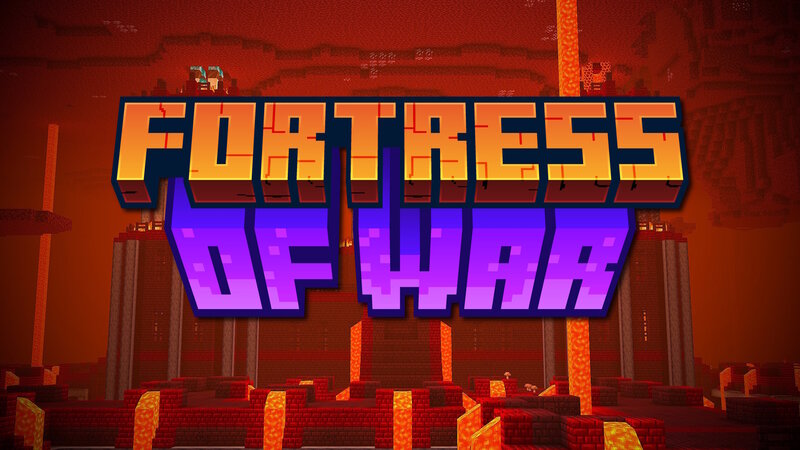
Fortress of War | Nether Fortress Update
Creator: kanokarob · 2026-03-03 · Data packs · Free on Eaglercraft Studio
Download Fortress of War | Nether Fortress Update — free Minecraft data pack. Created by kanokarob. Tagged advancements, armor, boss, custom. Drop into your world’s datapacks folder when the archive is available.
Creator notes
Armed for War The Fortress of War data pack replaces the vanilla Nether Fortress with a completely redefined structure, featuring multiple stages of intense combat as players destroy objectives to progress deeper into the Fortress, acquiring improved and custom loot on the way to an epic boss fight. The Fortress The updated Nether Fortress replaces the original, and as such appears in the same biomes and rarities. It consists of an outer perimeter of open-air bridges, which connect to a maze-like interior of guarded hallways, surrounding a central keep. Although large animated Fortress Gates bar the way from the Bridges to the Interior to the Keep, players can break walls and travel between these areas if desired, though critical Objectives will not spawn until appropriately progressed. When a player approaches a Nether Fortress for the first time, a bossbar will appear representing the entire Fortress, and Objectives will be spawned throughout the Bridges. Although the Bridges are long and winding, you may need to break through terrain or other parts of the Fortress to reach all of the Objectives. Once all Objectives on the Bridges have been destroyed, you'll be able to open the F
Added value
What’s included on this page
Preview, categories, compatibility, and tools on this page — not a bare file mirror.
- Creator
- kanokarob
- Source
- Minecraft downloads library on Eaglercraft Studio
- Type
- Minecraft data pack
- Price
- Free download on Eaglercraft Studio
- Curation
- Listed with credit to kanokarob · studio preview & install guide
- Compatible with
- Minecraft Java (match version / loader in facts)
- Tags
- Advancements, Armor, Boss, Custom, Equipment, Food
Install guide
How to install this free data pack
Data pack listing with creator credit and world-folder install steps.
- 1Download the datapack archive.
- 2Open your world folder → datapacks, and place the zip or folder there.
- 3Run /reload in-game (or reopen the world) to enable it.
Data packs are Java Edition. Match the pack’s game version to avoid broken recipes or worldgen.
Related free data packs
More curated data packs from the same library section.

MoisturePack · 75 diamonds · 6 views

ProGameBot · 46 diamonds · 3 views

sniffercraft34 · 46 diamonds · 1 views

sniffercraft34 · 45 diamonds · 648 views