
HyperGrave – A very high-quality grave data pack / mod
Creator: Sul4ur · 2026-04-15 · Data packs · Free on Eaglercraft Studio
Download HyperGrave – A very high-quality grave data pack / mod — free Minecraft data pack. Created by Sul4ur. Tagged 12110datapack, 12111datapack, 1215datapack, 1218datapack. Drop into your world’s datapacks folder when the archive is available.
Creator notes
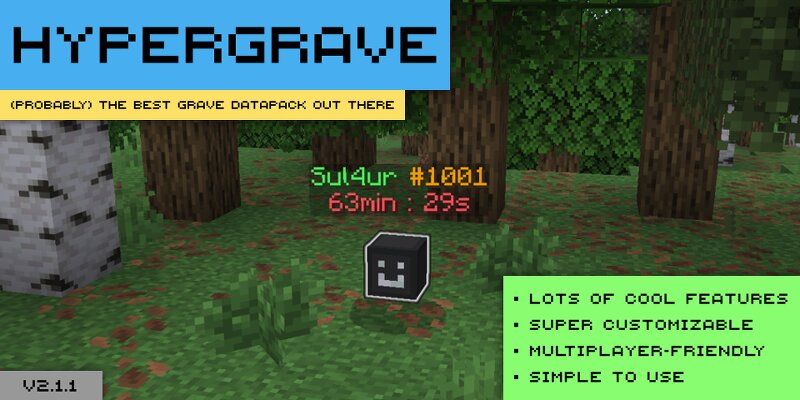
HyperGrave is a very high-quality grave data pack / mod. With more than one year of development, it is super customizable, has a lot of cool features, supports multiplayer and yet it's simple to use. Resource pack You don't need a resource pack to use HyperGrave. However, if you don't like the default look of graves in HyperGrave, you might want to use Sul4ur's Global Resource Pack . You don't need to use it if you're using the mod version of HyperGrave. Quick Tutorial When a player dies, HyperGrave generates a grave for that player. The grave takes the player's items and XP and stores it. This is what a grave looks like: The number after '#' represents the GID (grave ID) of the grave, which is unique amongst all other graves. You need this GID to be able to run commands on this grave. Right-click on the grave to retrieve the items and XP in the appropriate slots: or left-click on the grave to drop all of the items and XP: By default, graves despawn in 90 minutes. That's all you need to know! To learn about some of HyperGrave's useful commands (you will need to know those too), use this command: /trigger hygrave.help And whatever you do, don't execute commands that begin with : /fu
Added value
What’s included on this page
Preview, categories, compatibility, and tools on this page — not a bare file mirror.
- Creator
- Sul4ur
- Source
- Minecraft downloads library on Eaglercraft Studio
- Type
- Minecraft data pack
- Price
- Free download on Eaglercraft Studio
- Curation
- Listed with credit to Sul4ur · studio preview & install guide
- to version
- Minecraft 26.2
- Compatible with
- Minecraft Java (match version / loader in facts)
- Tags
- 12110datapack, 12111datapack, 1215datapack, 1218datapack, 1219datapack, 121datapack
Install guide
How to install this free data pack
Data pack listing with creator credit and world-folder install steps.
- 1Download the datapack archive.
- 2Open your world folder → datapacks, and place the zip or folder there.
- 3Run /reload in-game (or reopen the world) to enable it.
Data packs are Java Edition. Match the pack’s game version to avoid broken recipes or worldgen.
Related free data packs
More curated data packs from the same library section.

MoisturePack · 75 diamonds · 6 views

ProGameBot · 46 diamonds · 3 views

sniffercraft34 · 46 diamonds · 1 views

sniffercraft34 · 45 diamonds · 648 views