
Apology Z - v0.0.9 │ 1.19.4
Creator: Lip_Alloy · 2026-09-15 · Data packs · Free on Eaglercraft Studio
Download Apology Z - v0.0.9 │ 1.19.4 — free Minecraft data pack. Created by Lip_Alloy. Tagged advancements, biomes, customblocks, customentities. Drop into your world’s datapacks folder when the archive is available.
Creator notes
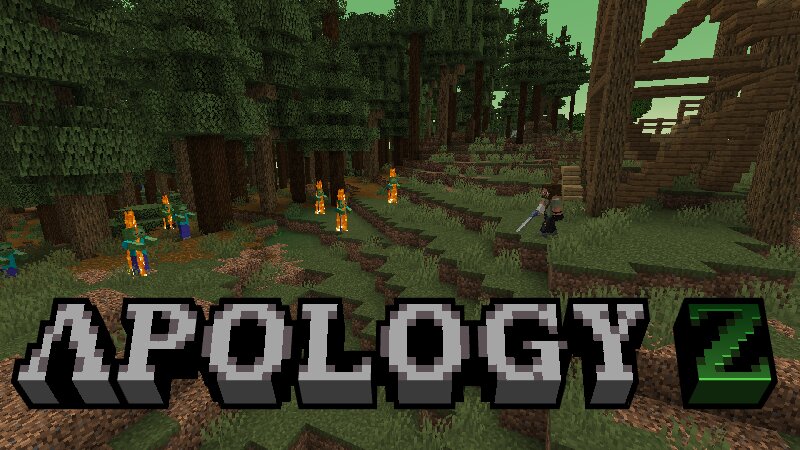
THIS DATA PACK STILL IN EARLY DEV SO YOU MAY FIND A LOT OF BUGS AND ISSUES Introduction Apology Z is a Data Pack that immerse your minecraft world into an apocalypse zombie adding multiple features like structures, game mechanics, custom items and the most important thing, zombies can spawn new zombie variations in your world, aside that the normal ones get a buffed to add an extra layer of difficulty New Game Mechanics Radiation In some biomes, radiation is abundant; it can't kill you, but it would leave you vulnerable to other threats. Radiation can be stacked in phases, and each phase will give you negative effects Infection Taking damage directly from an undead can raise your infection bar this has phases. If you reach the limit phase, you'll die and your corp will turn into a zombie Overdose Antibiotics help with infection, but taking too many at once won't do you any good, If you suffer from an overdose, you will be penalized and unable to take antibiotics for a while New World Event Green Storm Every 7 days of the game a radioactive storm will appear, bringing threats to the player, your infection and radiation bars will slowly rise and a new type of zombie will appear, excl
Added value
What’s included on this page
Preview, categories, compatibility, and tools on this page — not a bare file mirror.
- Creator
- Lip_Alloy
- Source
- Minecraft downloads library on Eaglercraft Studio
- Type
- Minecraft data pack
- Price
- Free download on Eaglercraft Studio
- Curation
- Listed with credit to Lip_Alloy · studio preview & install guide
- Compatible with
- Minecraft Java (match version / loader in facts)
- Tags
- Advancements, Biomes, Customblocks, Customentities, Customsounds, Exploration
Install guide
How to install this free data pack
Data pack listing with creator credit and world-folder install steps.
- 1Download the datapack archive.
- 2Open your world folder → datapacks, and place the zip or folder there.
- 3Run /reload in-game (or reopen the world) to enable it.
Data packs are Java Edition. Match the pack’s game version to avoid broken recipes or worldgen.
Related free data packs
More curated data packs from the same library section.

MoisturePack · 75 diamonds · 6 views

ProGameBot · 46 diamonds · 3 views

sniffercraft34 · 46 diamonds · 1 views

sniffercraft34 · 45 diamonds · 648 views