
InTone: Note Block Editor
Creator: iRtaRyZ · 2026-02-08 · Data packs · Free on Eaglercraft Studio
Download InTone: Note Block Editor — free Minecraft data pack. Created by iRtaRyZ. Tagged advancements, functions, item, loot tables. Drop into your world’s datapacks folder when the archive is available.
Creator notes
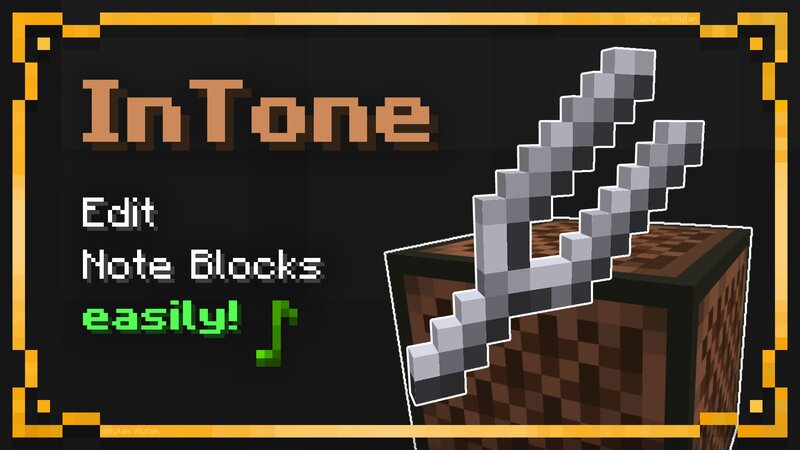
A datapack that improves note block editing using the dialogs feature. Features Tuning Fork 🔧 This item allows you to easily edit a note block by right-clicking on it. It opens a dialog where you can instantly edit the note or instrument of the note block. The dialog is intuitive and easy to use . You have a piano keyboard and buttons for each instrument represented by the corresponding block. Select Note Select Instrument Requires 6 iron nuggets to craft. Getting the recipe Have fun with this datapack! :)
Added value
What’s included on this page
Preview, categories, compatibility, and tools on this page — not a bare file mirror.
- Creator
- iRtaRyZ
- Source
- Minecraft downloads library on Eaglercraft Studio
- Type
- Minecraft data pack
- Price
- Free download on Eaglercraft Studio
- Curation
- Listed with credit to iRtaRyZ · studio preview & install guide
- Compatible with
- Minecraft Java (match version / loader in facts)
- Tags
- Advancements, Functions, Item, Loot Tables, Recipes
Install guide
How to install this free data pack
Data pack listing with creator credit and world-folder install steps.
- 1Download the datapack archive.
- 2Open your world folder → datapacks, and place the zip or folder there.
- 3Run /reload in-game (or reopen the world) to enable it.
Data packs are Java Edition. Match the pack’s game version to avoid broken recipes or worldgen.
Related free data packs
More curated data packs from the same library section.

MoisturePack · 75 diamonds · 6 views

ProGameBot · 46 diamonds · 3 views

sniffercraft34 · 46 diamonds · 1 views

sniffercraft34 · 45 diamonds · 648 views