
Mega Stacks – Make stack size up to 99 for every item!
Creator: sniffercraft34 · 2025-12-01 · Data packs · Free on Eaglercraft Studio
Download Mega Stacks – Make stack size up to 99 for every item! — free Minecraft data pack. Created by sniffercraft34. Tagged 99stack, better, biggerstacksize, easier. Drop into your world’s datapacks folder when the archive is available.
Creator notes
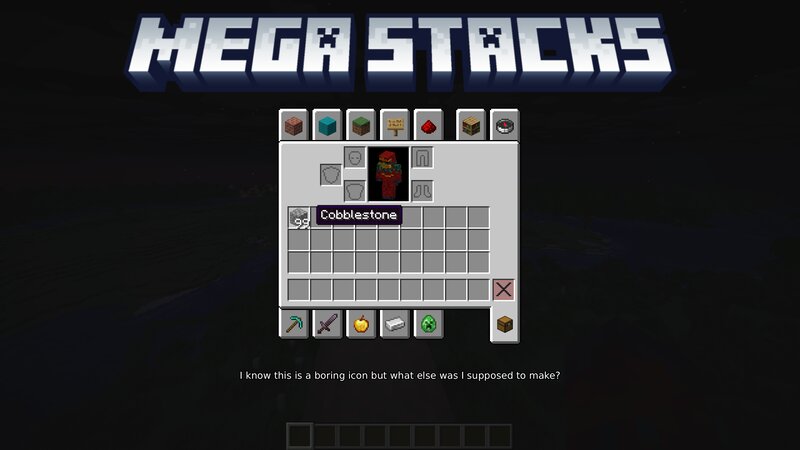
This is a data pack that makes every single item be stackable up to 99! You can go mining, exploring or more with a much more organised inventory since slots now hold 30% more items and blocks! This even works with items that can only be stacked to less than 64, like doors and swords. I was going to make it so that all items went up to the 32-bit integer limit (2147483647), but Minecraft's vanilla mechanics only allow you to modify stack limit up to 99 :( Note that only items that have been picked up/been in entity format can stack higher than 64! Getting items straight from the creative inventory or /give will make them have their old limits until dropped and picked up again! Also note that if you don't have the strongest processor and have too many big items could cause lag! Regardless of your PC, I recommend allocating at least 4GB of RAM to Minecraft if possible (I would only advise you to do that if you have 8GB+ memory) If you want to add some items that can't be stacked to 99 go to data/mega_stacks/tags/item/not_valid.json and edit the file. Source Code Issue Tracker
Added value
What’s included on this page
Preview, categories, compatibility, and tools on this page — not a bare file mirror.
- Creator
- sniffercraft34
- Source
- Minecraft downloads library on Eaglercraft Studio
- Type
- Minecraft data pack
- Price
- Free download on Eaglercraft Studio
- Curation
- Listed with credit to sniffercraft34 · studio preview & install guide
- to version
- Minecraft 26.1
- Compatible with
- Minecraft Java (match version / loader in facts)
- Tags
- 99stack, Better, Biggerstacksize, Easier, Efficient, Functions
Install guide
How to install this free data pack
Data pack listing with creator credit and world-folder install steps.
- 1Download the datapack archive.
- 2Open your world folder → datapacks, and place the zip or folder there.
- 3Run /reload in-game (or reopen the world) to enable it.
Data packs are Java Edition. Match the pack’s game version to avoid broken recipes or worldgen.
Related free data packs
More curated data packs from the same library section.

MoisturePack · 75 diamonds · 6 views

ProGameBot · 46 diamonds · 3 views

sniffercraft34 · 46 diamonds · 1 views

sniffercraft34 · 45 diamonds · 648 views