
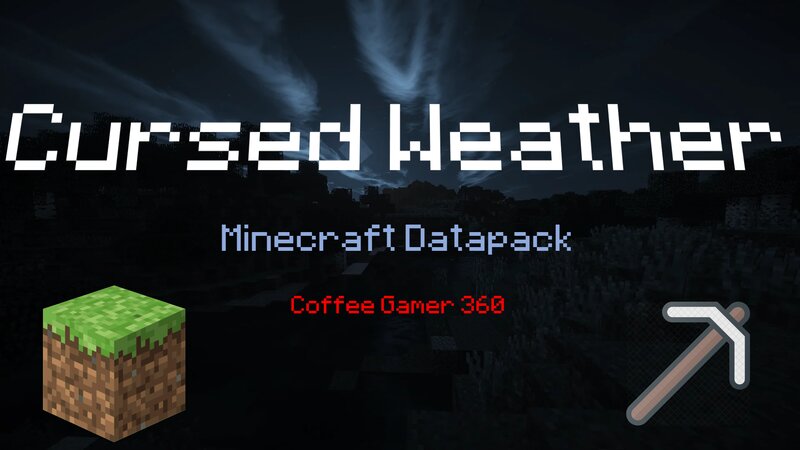
Minecraft, but the weather is cursed
Creator: Coffee Gamer 360 · 2026-01-31 · Data packs · Free on Eaglercraft Studio
Download Minecraft, but the weather is cursed — free Minecraft data pack. Created by Coffee Gamer 360. Tagged but, functions, minecraft, minecraftbut. Drop into your world’s datapacks folder when the archive is available.
Creator notes
Minecraft But The Weather Is Cursed Minecraft But The Weather Is Cursed is a high-stakes survival datapack that transforms your world into a playground for environmental chaos. Built from the ground up for Minecraft 1.21.x, this pack introduces four distinct, randomly occurring world disasters that test your reflexes, preparation, and survival skills. Note: Compatible with Multiplayer Servers The Disasters 1. The Tornado A massive, swirling vortex that touches down near players. It pulls nearby entities into its center, lifts them high into the sky, and deals continuous damage. Seek cover underground or inside reinforced structures to avoid being caught in its path. 2. The Blood Moon When the moon turns red, the creatures of the night are granted unnatural strength. During a Blood Moon, night falls instantly and monsters spawn with significantly increased health, speed, and attack damage. A red mist descends upon the world, signaling a night of high-intensity combat. 3. Meteor Shower The sky rains fire as explosive meteors descend from the atmosphere. These falling projectiles strike the ground with tremendous force, creating explosions and leaving trails of fire in their wake. Kee
Added value
What’s included on this page
Preview, categories, compatibility, and tools on this page — not a bare file mirror.
- Creator
- Coffee Gamer 360
- Source
- Minecraft downloads library on Eaglercraft Studio
- Type
- Minecraft data pack
- Price
- Free download on Eaglercraft Studio
- Curation
- Listed with credit to Coffee Gamer 360 · studio preview & install guide
- Compatible with
- Minecraft Java (match version / loader in facts)
- Tags
- But, Functions, Minecraft, Minecraftbut, Multiplayer, Multiplayercompatibleedatapack
Install guide
How to install this free data pack
Data pack listing with creator credit and world-folder install steps.
- 1Download the datapack archive.
- 2Open your world folder → datapacks, and place the zip or folder there.
- 3Run /reload in-game (or reopen the world) to enable it.
Data packs are Java Edition. Match the pack’s game version to avoid broken recipes or worldgen.
Related free data packs
More curated data packs from the same library section.

MoisturePack · 75 diamonds · 6 views

ProGameBot · 46 diamonds · 3 views

sniffercraft34 · 46 diamonds · 1 views

sniffercraft34 · 45 diamonds · 648 views