
More realistic food
Creator: cota5 · 2026-04-04 · Data packs · Free on Eaglercraft Studio
Download More realistic food — free Minecraft data pack. Created by cota5. Tagged command, commands, datapack, datapacks. Drop into your world’s datapacks folder when the archive is available.
Creator notes
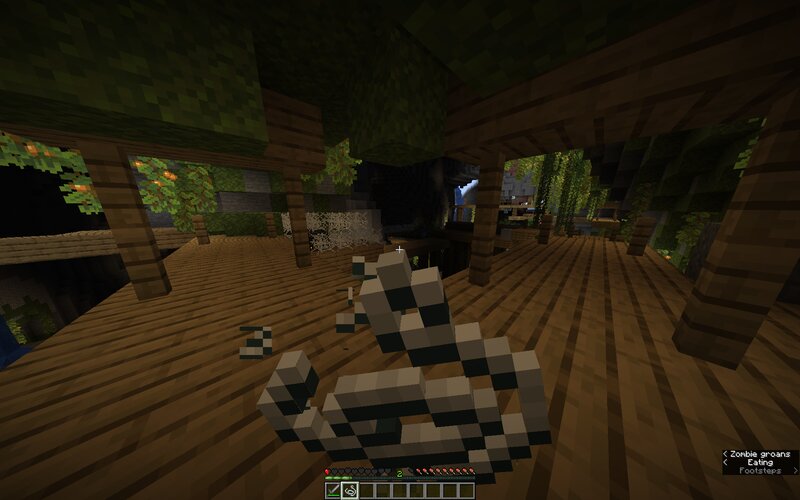
This data pack makes the food system in Minecraft more realistic! Eating food now takes significantly longer—on average, about 10 times longer. Different foods have different consumption rates: some are eaten faster, while others take longer. Also, some previously inedible items can now be eaten. Furthermore, the entity limit has been changed: a single block can now hold a maximum of 5 entities instead of the standard 24, which helps improve balance and performance. List of new edible items: 4 seconds to eat Restore: 1 hunger and 1 satiety String Various types of grass Various types of plant seeds Cave lichen Frog eggs Fallen leaves Small flowers Feathers 8 seconds to eat Restore: 2 hunger and 2 satiety Sea lantern Bamboo Azalea Saplings Flowers Water lily Spiderweb Nether mushrooms and brown mushroom Wheat 11 seconds to eat Restore: 3 hunger and 5 satiety Deal 3 HP damage Cactus Eggs (except chicken) Coral 13 seconds to eat Restore: 4 hunger and 3 satiety Satiety Leaves Leather Brown Mushroom Block Eaten in 14 seconds Restores: 10 hunger and 8 satiety Honey Block
Added value
What’s included on this page
Preview, categories, compatibility, and tools on this page — not a bare file mirror.
- Creator
- cota5
- Source
- Minecraft downloads library on Eaglercraft Studio
- Type
- Minecraft data pack
- Price
- Free download on Eaglercraft Studio
- Curation
- Listed with credit to cota5 · studio preview & install guide
- Compatible with
- Minecraft Java (match version / loader in facts)
- Tags
- Command, Commands, Datapack, Datapacks, Food, Function
Install guide
How to install this free data pack
Data pack listing with creator credit and world-folder install steps.
- 1Download the datapack archive.
- 2Open your world folder → datapacks, and place the zip or folder there.
- 3Run /reload in-game (or reopen the world) to enable it.
Data packs are Java Edition. Match the pack’s game version to avoid broken recipes or worldgen.
Related free data packs
More curated data packs from the same library section.

MoisturePack · 75 diamonds · 6 views

ProGameBot · 46 diamonds · 3 views

sniffercraft34 · 46 diamonds · 1 views

sniffercraft34 · 45 diamonds · 648 views