
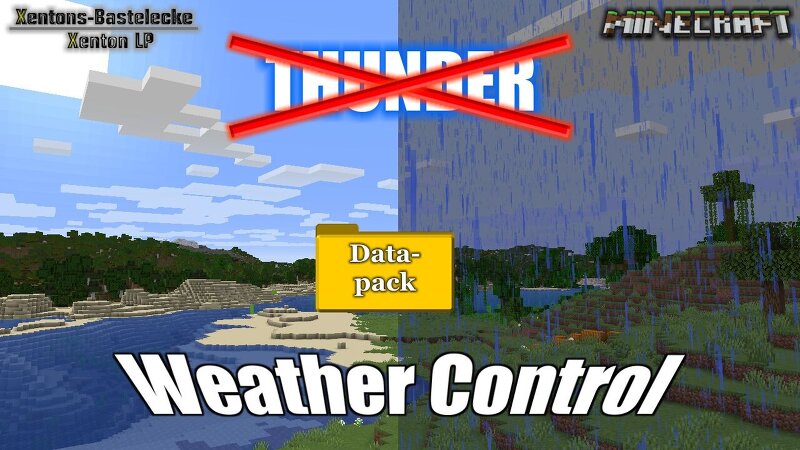
No more Thunder - Weather Control
Creator: Xenton · 2026-08-30 · Data packs · Free on Eaglercraft Studio
Download No more Thunder - Weather Control — free Minecraft data pack. Created by Xenton. Tagged functions, game mechanic. Drop into your world’s datapacks folder when the archive is available.
Creator notes
# Minecraft-Weather-Control Minecraft datapack for own weather control, with option to make over scoreboard or dialog windows settings for the weather control Datapack is made for Minecraft Java This datapack replace the control from Minecraft weather cycle.In this Version weather cycle only between Clear and Rain.It is possible to change the settings ingame, without programming experience in Minecraft datapacks. The commands for that, are in the end of this readme.The duration for clear and raining is a random value between values.To change the time, you can do it in a dialogwindow # -------------------------------------# Manual # -------------------------------------# You find it now on the wikipage on my Github: Link to Wiki # -------------------------------------# Installation, start and settings # -------------------------------------# Install: - Minecraft Local -> saves -> (World) -> datapacks - Minecraft Server -> (World) -> datapack Check in Minecraft, is datapack installed: /datapack list This command show a list of all installed datapacks. The list must include [file/Weather-Control (world)]. If this not the case, check the installation path. Run/Inizialisation: Run Co
Added value
What’s included on this page
Preview, categories, compatibility, and tools on this page — not a bare file mirror.
- Creator
- Xenton
- Source
- Minecraft downloads library on Eaglercraft Studio
- Type
- Minecraft data pack
- Price
- Free download on Eaglercraft Studio
- Curation
- Listed with credit to Xenton · studio preview & install guide
- to version
- Minecraft 26.2
- Compatible with
- Minecraft Java (match version / loader in facts)
- Tags
- Functions, Game Mechanic
Install guide
How to install this free data pack
Data pack listing with creator credit and world-folder install steps.
- 1Download the datapack archive.
- 2Open your world folder → datapacks, and place the zip or folder there.
- 3Run /reload in-game (or reopen the world) to enable it.
Data packs are Java Edition. Match the pack’s game version to avoid broken recipes or worldgen.
Related free data packs
More curated data packs from the same library section.

MoisturePack · 75 diamonds · 6 views

ProGameBot · 46 diamonds · 3 views

sniffercraft34 · 46 diamonds · 1 views

sniffercraft34 · 45 diamonds · 648 views