
Paint's Auto-Crafting (26.2)
Creator: PaintTheFuture · 2025-12-21 · Data packs · Free on Eaglercraft Studio
Download Paint's Auto-Crafting (26.2) — free Minecraft data pack. Created by PaintTheFuture. Tagged functions, other, quality of life. Drop into your world’s datapacks folder when the archive is available.
Creator notes
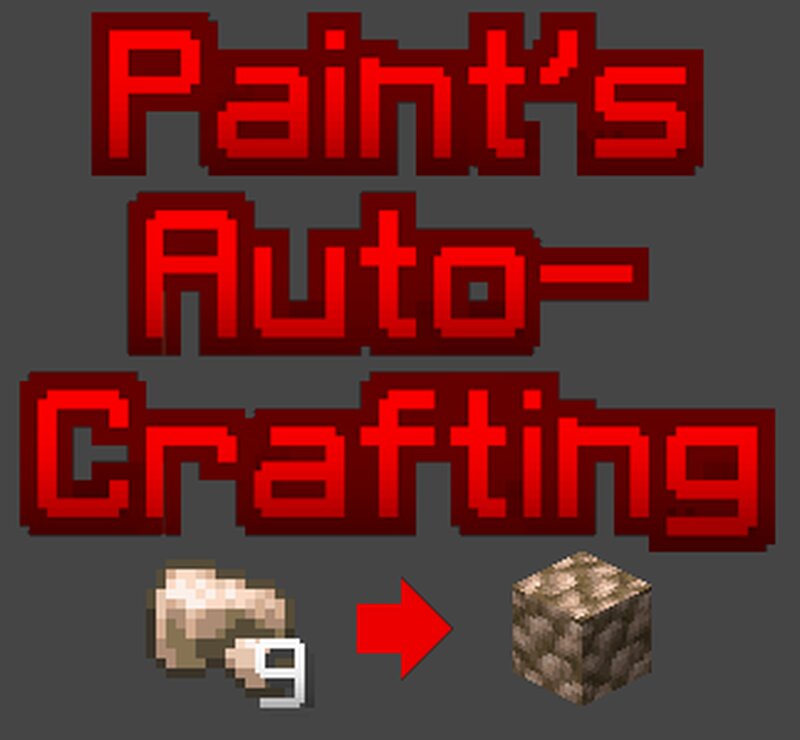
Use /function paint:pac/help to get a book that has all this information in-game. Paint's Auto-Crafting is a datapack that declutters your inventory by automatically crafting items into their storage block counterparts. If you have the raw items (such as raw iron or redstone) that can be made into a product, then it will be crafted automatically. As long as: 1. You have enough raw item to make the block (usually 9 but sometimes 4). 2. You have an inventory slot with at least 1, but fewer than 64, of the product that will be autocrafted (Meaning you have to manually craft or otherwise obtain the first one). 3. You are holding a tool or a torch in your hand (This gives you an easy means of turning it off). You autocraft one product every second, with priority given to the items at the top of the following list. The autocraftings that this datapack supports: 1 . bamboo -> bamboo_block 2 . wheat -> hay_block 3 . melon_slice -> melon 4 . clay_ball -> clay * 5 . snowball -> snow_block * 6 . brick -> bricks * 7 . nether_brick -> nether_bricks * 8 . coal -> coal_block 9 . bone_meal -> bone_block 10. slime_ball -> slime_block 11. copper_nugget -> copper_ingot 12. copper_ingot -> copper_bloc
Added value
What’s included on this page
Preview, categories, compatibility, and tools on this page — not a bare file mirror.
- Creator
- PaintTheFuture
- Source
- Minecraft downloads library on Eaglercraft Studio
- Type
- Minecraft data pack
- Price
- Free download on Eaglercraft Studio
- Curation
- Listed with credit to PaintTheFuture · studio preview & install guide
- Compatible with
- Minecraft Java (match version / loader in facts)
- Tags
- Functions, Other, Quality Of Life
Install guide
How to install this free data pack
Data pack listing with creator credit and world-folder install steps.
- 1Download the datapack archive.
- 2Open your world folder → datapacks, and place the zip or folder there.
- 3Run /reload in-game (or reopen the world) to enable it.
Data packs are Java Edition. Match the pack’s game version to avoid broken recipes or worldgen.
Related free data packs
More curated data packs from the same library section.

MoisturePack · 75 diamonds · 6 views

ProGameBot · 46 diamonds · 3 views

sniffercraft34 · 46 diamonds · 1 views

sniffercraft34 · 45 diamonds · 648 views