
Paint's Item Finder (v2.1 for 26.1-26.2)
Creator: PaintTheFuture · 2025-11-16 · Data packs · Free on Eaglercraft Studio
Download Paint's Item Finder (v2.1 for 26.1-26.2) — free Minecraft data pack. Created by PaintTheFuture. Tagged functions, quality of life, recipes. Drop into your world’s datapacks folder when the archive is available.
Creator notes
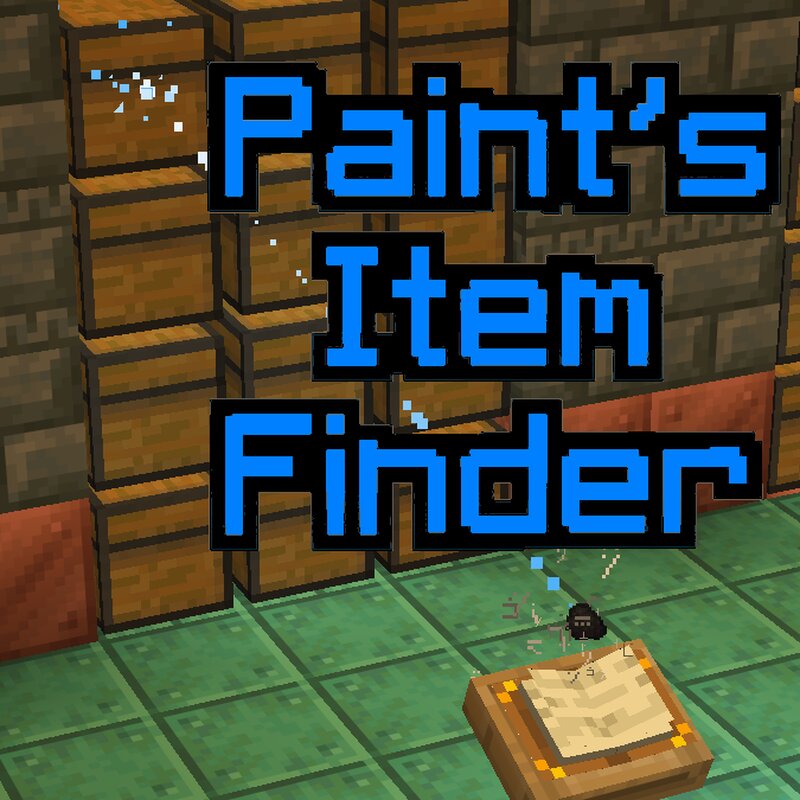
Are you always losing your items in a sea of chests and boxes? I am too, so I made a whole datapack instead of tidying up. Here's how it works: 1. Craft an item finder. You should get the recipe as soon as the datapack is loaded. 2. Type an item id. Don't forget those underscores! Examples: apple golden_apple minecraft:oak_log (the minecraft: is optional) New to v2: You can also use enchantment ids (eg. feather_falling) and potion_contents (eg. swiftness, long_swiftness, strong_swiftness) to find items with those components. 3. Place on any lectern. 4. The item finder shows you what item you're searching for, and checks a 21x21x21 volume (centred on 1 block above the lectern) for your item. It might be in any of the game's containers (chest, trapped chest, barrel, shulker box, jukebox, brewing stand, etc.) or it might be in an entity's inventory, or in an item frame. It might be in a chest minecart, or an piece of equipment a nearby entity is wearing. If the item is within a bundle within a container or entity, it'll be found. If the item is within a shulker box within a container or entity, it'll be found. If the item is within a bundle, within a shulker box, within a container or
Added value
What’s included on this page
Preview, categories, compatibility, and tools on this page — not a bare file mirror.
- Creator
- PaintTheFuture
- Source
- Minecraft downloads library on Eaglercraft Studio
- Type
- Minecraft data pack
- Price
- Free download on Eaglercraft Studio
- Curation
- Listed with credit to PaintTheFuture · studio preview & install guide
- to version
- Minecraft 26.2
- Compatible with
- Minecraft Java (match version / loader in facts)
- Tags
- Functions, Quality Of Life, Recipes
Install guide
How to install this free data pack
Data pack listing with creator credit and world-folder install steps.
- 1Download the datapack archive.
- 2Open your world folder → datapacks, and place the zip or folder there.
- 3Run /reload in-game (or reopen the world) to enable it.
Data packs are Java Edition. Match the pack’s game version to avoid broken recipes or worldgen.
Related free data packs
More curated data packs from the same library section.

MoisturePack · 75 diamonds · 6 views

ProGameBot · 46 diamonds · 3 views

sniffercraft34 · 46 diamonds · 1 views

sniffercraft34 · 45 diamonds · 648 views