
Paint's Simple Ruler (26.3 Snapshot 6)
Creator: PaintTheFuture · 2026-07-26 · Data packs · Free on Eaglercraft Studio
Download Paint's Simple Ruler (26.3 Snapshot 6) — free Minecraft data pack. Created by PaintTheFuture. Tagged building, distance, functions, measure. Drop into your world’s datapacks folder when the archive is available.
Creator notes
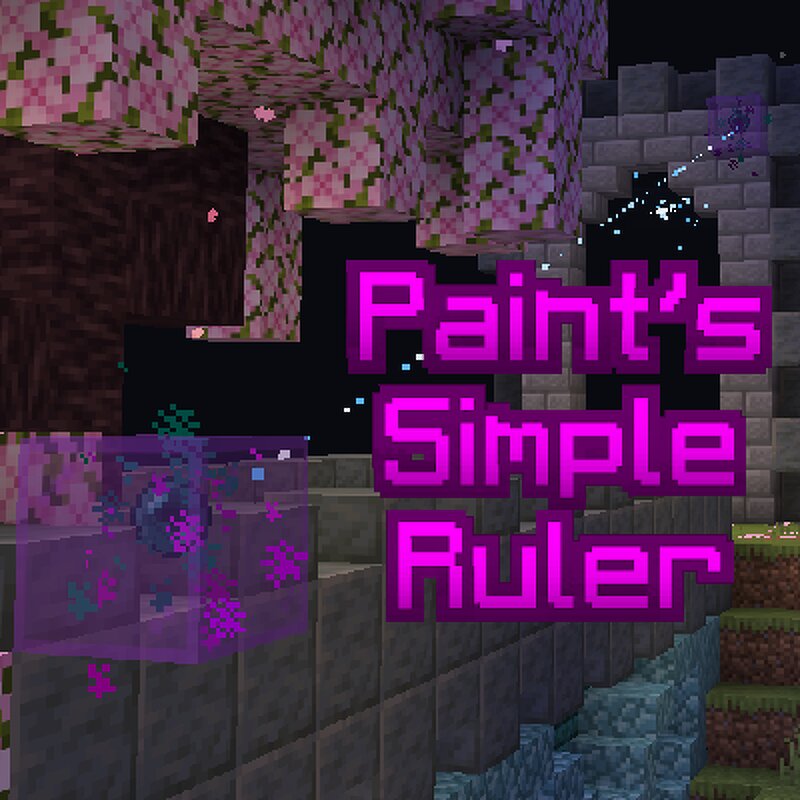
Paint's Simple Ruler Built in 26.3 Snapshot 5, works in 26.3 Snapshot 6, meant for 26.3 when it drops. Use /function paint:psr/help to get an in-game book! It will contain this explanation: Craft a Ruler with an End Rod , 2 Ender Pearls , and 3 Lapis Lazuli . Using the ruler will place a node , which appears as a glass block with an Ender Pearl inside. Click elsewhere to create a second node . Particles will appear to indicate the connection between the nodes, and the midpoint block . The distance will appear in your actionbar, using this format: x: How far east the 2nd node from the first (negative for west). y: How far up the 2nd node is from the first (negative for down). z: How far south the 2nd node is from the first (negative for north). |xyz|: Total distance (always positive). Use the ruler pointing at a node to destroy it, it will be replaced when you use it again. Destroying the glass will also destroy the node. When you have two active nodes, using the ruler again will destroy the two you had. Because nodes contain Ender Pearls, they will always be loaded. This means you can measure distances up to 5000m, however the particles are not visible when the distance is stretche
Added value
What’s included on this page
Preview, categories, compatibility, and tools on this page — not a bare file mirror.
- Creator
- PaintTheFuture
- Source
- Minecraft downloads library on Eaglercraft Studio
- Type
- Minecraft data pack
- Price
- Free download on Eaglercraft Studio
- Curation
- Listed with credit to PaintTheFuture · studio preview & install guide
- Compatible with
- Minecraft Java (match version / loader in facts)
- Tags
- Building, Distance, Functions, Measure, Ruler, Tool
Install guide
How to install this free data pack
Data pack listing with creator credit and world-folder install steps.
- 1Download the datapack archive.
- 2Open your world folder → datapacks, and place the zip or folder there.
- 3Run /reload in-game (or reopen the world) to enable it.
Data packs are Java Edition. Match the pack’s game version to avoid broken recipes or worldgen.
Related free data packs
More curated data packs from the same library section.

MoisturePack · 75 diamonds · 6 views

ProGameBot · 46 diamonds · 3 views

sniffercraft34 · 46 diamonds · 1 views

sniffercraft34 · 45 diamonds · 648 views