
Realistic Item Drop
Creator: CR Company · 2026-04-19 · Data packs · Free on Eaglercraft Studio
Download Realistic Item Drop — free Minecraft data pack. Created by CR Company. Tagged cartaexleyt, crcompany, datapack, functions. Drop into your world’s datapacks folder when the archive is available.
Creator notes
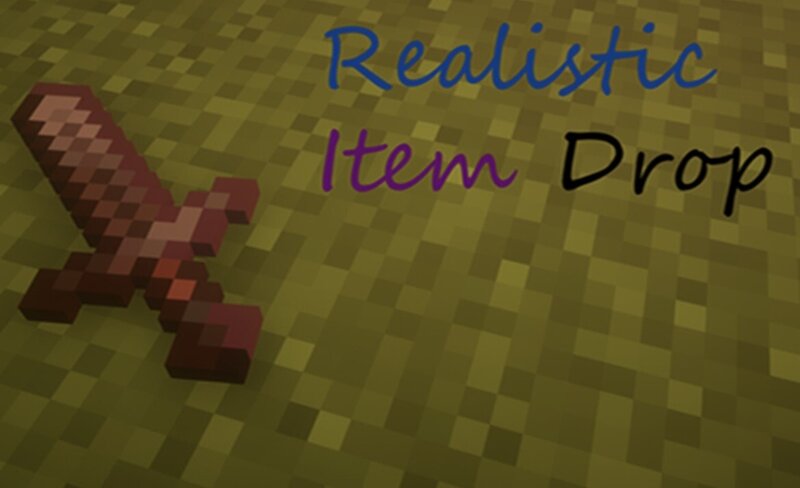
EU: The « Realistic Item Drop » data pack transforms the standard item drop mechanics into a realistic process: instead of hovering in the air, items naturally fall and rest on the surface. The mechanics work both in single‑player worlds and on servers, don’t affect game performance, and require no additional mods or resource packs. With this data pack, the Minecraft world becomes more alive and immersive — whether you’re exploring caves, fighting enemies, or building structures. Experience the difference in detail with «Realistic Item Drop»! 🎯 RU: Дата-пак « Realistic Item Drop » превращает стандартное выпадение предметов в реалистичный процесс: вместо того чтобы «парить» в воздухе, вещи естественно падают и ложатся на поверхность. Механика работает как в одиночном мире, так и на сервере, не нагружает игру и не требует дополнительных модов или ресурспаков. С этим дата-паком мир Minecraft становится более живым и атмосферным — будь то исследование пещер, сражения или строительство. Ощутите разницу в деталях с «Realistic Item Drop»! 🎯 *There may be errors in the English text. It is better to download from the Modrinth website. *Лучше скачайте с сайта Modrinth.
Added value
What’s included on this page
Preview, categories, compatibility, and tools on this page — not a bare file mirror.
- Creator
- CR Company
- Source
- Minecraft downloads library on Eaglercraft Studio
- Type
- Minecraft data pack
- Price
- Free download on Eaglercraft Studio
- Curation
- Listed with credit to CR Company · studio preview & install guide
- Compatible with
- Minecraft Java (match version / loader in facts)
- Tags
- Cartaexleyt, Crcompany, Datapack, Functions, Game Mechanic, Minecraft
Install guide
How to install this free data pack
Data pack listing with creator credit and world-folder install steps.
- 1Download the datapack archive.
- 2Open your world folder → datapacks, and place the zip or folder there.
- 3Run /reload in-game (or reopen the world) to enable it.
Data packs are Java Edition. Match the pack’s game version to avoid broken recipes or worldgen.
Related free data packs
More curated data packs from the same library section.

MoisturePack · 75 diamonds · 6 views

ProGameBot · 46 diamonds · 3 views

sniffercraft34 · 46 diamonds · 1 views

sniffercraft34 · 45 diamonds · 648 views