
Sword Blocking Datapacks 1.21.11
Creator: KamuiSouls · 2026-03-07 · Data packs · Free on Eaglercraft Studio
Download Sword Blocking Datapacks 1.21.11 — free Minecraft data pack. Created by KamuiSouls. Tagged advancements, functions, recipes. Drop into your world’s datapacks folder when the archive is available.
Creator notes
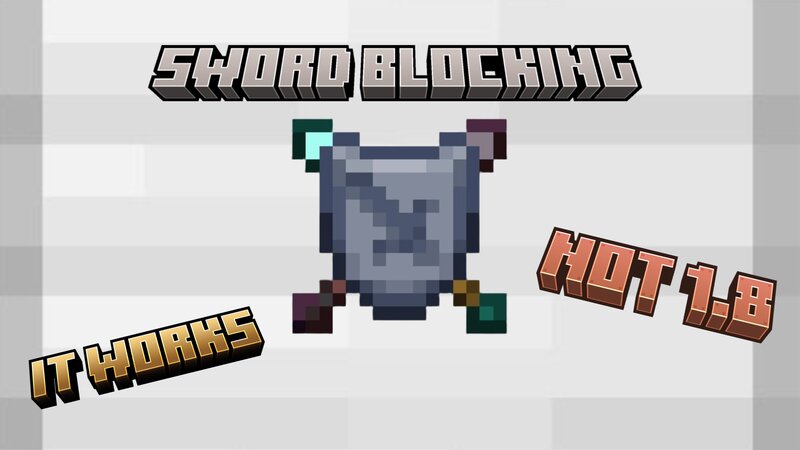
error Make sure to extract/unzip the zip file into a folder after download error Sword Blocking Datapack 1.21.11 Sword Blocking is a rather new Datapack that I made. This dosen't replace the current sword system and instead gives the player a chance to change the sword. The Datapack could have glitches so if you run into any then please comment down below and I will try my best to fix it. How to use? Once you activate the Datapack there will be a couple new recipes. Using a smithing table you can upgrade your sword to be able to block attacks. Depending on the sword your upgrading, it will cost the mineral that the sword is made out of. For example a wooden sword requires any plank type while a netherite sword requires a piece of netherite scrap. If you want to remove the sword blocking ability from a sword then you will need to use a stone cutter, just put the sword in the stone cutter, however it will also remove all the enchantments from the sword. How effective is sword blocking? Sword blocking can block 50% damage from melee attacks and can block 100% damage from projectiles. Swords cannot be disabled at all. When you block you still need to face your attacker to block.
Added value
What’s included on this page
Preview, categories, compatibility, and tools on this page — not a bare file mirror.
- Creator
- KamuiSouls
- Source
- Minecraft downloads library on Eaglercraft Studio
- Type
- Minecraft data pack
- Price
- Free download on Eaglercraft Studio
- Curation
- Listed with credit to KamuiSouls · studio preview & install guide
- Compatible with
- Minecraft Java (match version / loader in facts)
- Tags
- Advancements, Functions, Recipes
Install guide
How to install this free data pack
Data pack listing with creator credit and world-folder install steps.
- 1Download the datapack archive.
- 2Open your world folder → datapacks, and place the zip or folder there.
- 3Run /reload in-game (or reopen the world) to enable it.
Data packs are Java Edition. Match the pack’s game version to avoid broken recipes or worldgen.
Related free data packs
More curated data packs from the same library section.

MoisturePack · 75 diamonds · 6 views

ProGameBot · 46 diamonds · 3 views

sniffercraft34 · 46 diamonds · 1 views

sniffercraft34 · 45 diamonds · 648 views