
Vein Miner Best v5.0 Blue
Creator: AhmedTurysta · 2026-09-26 · Data packs · Free on Eaglercraft Studio
Download Vein Miner Best v5.0 Blue — free Minecraft data pack. Created by AhmedTurysta. Tagged advancements, best, fast, functions. Drop into your world’s datapacks folder when the archive is available.
Creator notes
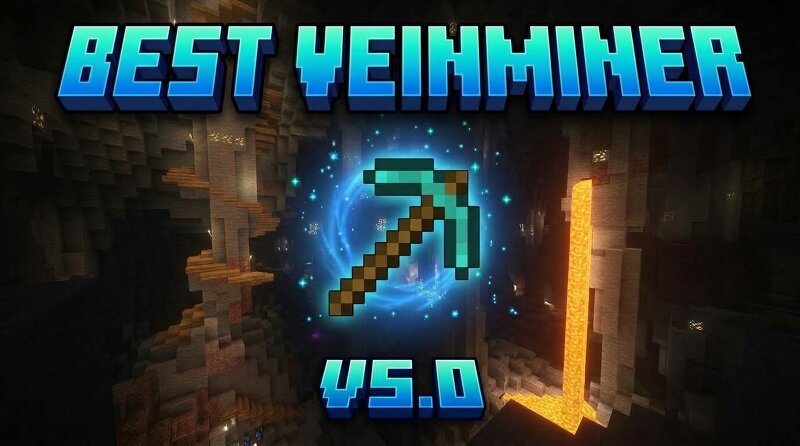
Veinminer Best v5.0 Blue !(Blue uses different logic in case Red doesn’t work properly for you.) One of the most complete Veinminers you'll find. ⛏️ A lot of Veinminer datapacks come with annoying limitations — Fortune not working correctly, diagonal ores being ignored, missing ores like Ancient Debris, or accidentally breaking blocks that shouldn't be affected. This datapack is built to avoid those problems while keeping vein mining simple and vanilla-friendly. What does it include? Supported ores: Overworld ores — Coal, Iron, Gold, Diamond, Emerald, Redstone, Lapis Lazuli, Copper Deepslate ores — Deepslate Coal, Iron, Gold, Diamond, Emerald, Redstone, Lapis Lazuli, Copper Nether ores — Nether Quartz Ore, Nether Gold Ore Ancient Debris Core mechanics Full 26-direction vein detection — connected ores are detected through faces, edges, and corners, so even diagonally connected veins are mined. Fortune support — Fortune I–III correctly affects drops for every individual block mined. Silk Touch support — drops the actual ore block instead of its normal drop. Correct XP drops — you receive the appropriate amount of XP from the ores you mine. Ancient Debris support — works separately fr
Added value
What’s included on this page
Preview, categories, compatibility, and tools on this page — not a bare file mirror.
- Creator
- AhmedTurysta
- Source
- Minecraft downloads library on Eaglercraft Studio
- Type
- Minecraft data pack
- Price
- Free download on Eaglercraft Studio
- Curation
- Listed with credit to AhmedTurysta · studio preview & install guide
- to version
- Minecraft 26.3 snapshot
- Compatible with
- Minecraft Java (match version / loader in facts)
- Tags
- Advancements, Best, Fast, Functions, Game Mechanic, Miner
Install guide
How to install this free data pack
Data pack listing with creator credit and world-folder install steps.
- 1Download the datapack archive.
- 2Open your world folder → datapacks, and place the zip or folder there.
- 3Run /reload in-game (or reopen the world) to enable it.
Data packs are Java Edition. Match the pack’s game version to avoid broken recipes or worldgen.
Related free data packs
More curated data packs from the same library section.

MoisturePack · 75 diamonds · 6 views

ProGameBot · 46 diamonds · 3 views

sniffercraft34 · 46 diamonds · 1 views

sniffercraft34 · 45 diamonds · 648 views