
World Stats Reworked
Creator: Siamcrafter · 2025-12-07 · Data packs · Free on Eaglercraft Studio
Download World Stats Reworked — free Minecraft data pack. Created by Siamcrafter. Tagged item. Drop into your world’s datapacks folder when the archive is available.
Creator notes
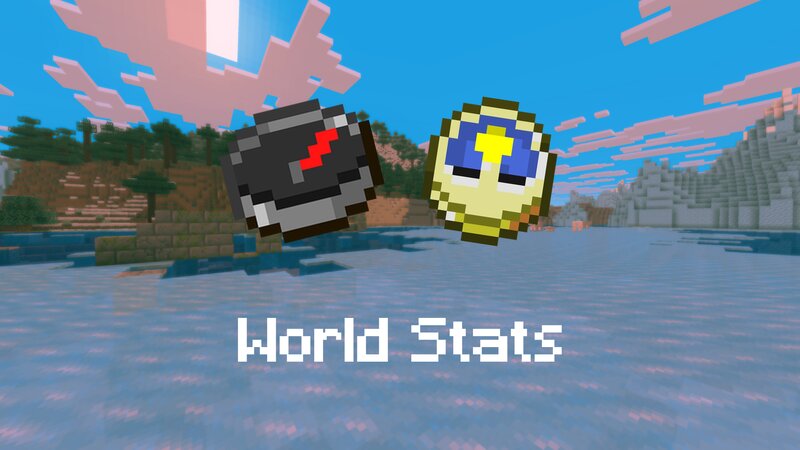
This datapack gives the clock and compass item an actual value. Older versions This datapack is a newer version of my deprecated "Immersive World Stats" Datapack. It has new mechanics and actually works in survival. Installation (important!) If you download the datapack, you will get a zip-file. Do not put it directly in the datapack-folder! You first need to extract the original content from the zip-file and only then will the datapack show up as "available". While holding the clock, the current time is being displayed for the player (time is translated from ticks to hours and minutes). If the player skips the night with sleeping , the clock will update to the time the player wakes up (06:00). Easter Egg (Spoiler!) A cool little detail is that the clock only works in the overworld , but not in the end or nether, since there is no sense of time in these two dimensions. The compass now displays the players coordinates and bearing if selected. It should work for multiplayer too (didn't test it, just an assumption!) This datapacks is meant for being used in survival or adventure mode. However, it also works in creative mode. It is also somewhat compatible with the /time command (for
Added value
What’s included on this page
Preview, categories, compatibility, and tools on this page — not a bare file mirror.
- Creator
- Siamcrafter
- Source
- Minecraft downloads library on Eaglercraft Studio
- Type
- Minecraft data pack
- Price
- Free download on Eaglercraft Studio
- Curation
- Listed with credit to Siamcrafter · studio preview & install guide
- Compatible with
- Minecraft Java (match version / loader in facts)
- Tags
- Item
Install guide
How to install this free data pack
Data pack listing with creator credit and world-folder install steps.
- 1Download the datapack archive.
- 2Open your world folder → datapacks, and place the zip or folder there.
- 3Run /reload in-game (or reopen the world) to enable it.
Data packs are Java Edition. Match the pack’s game version to avoid broken recipes or worldgen.
Related free data packs
More curated data packs from the same library section.

MoisturePack · 75 diamonds · 6 views

ProGameBot · 46 diamonds · 3 views

sniffercraft34 · 46 diamonds · 1 views

sniffercraft34 · 45 diamonds · 648 views