
Z-Life Season Two
Creator: ShelleyKey · 2026-04-24 · Data packs · Free on Eaglercraft Studio
Download Z-Life Season Two — free Minecraft data pack. Created by ShelleyKey. Tagged challenge, functions, lifeseries, other. Drop into your world’s datapacks folder when the archive is available.
Creator notes
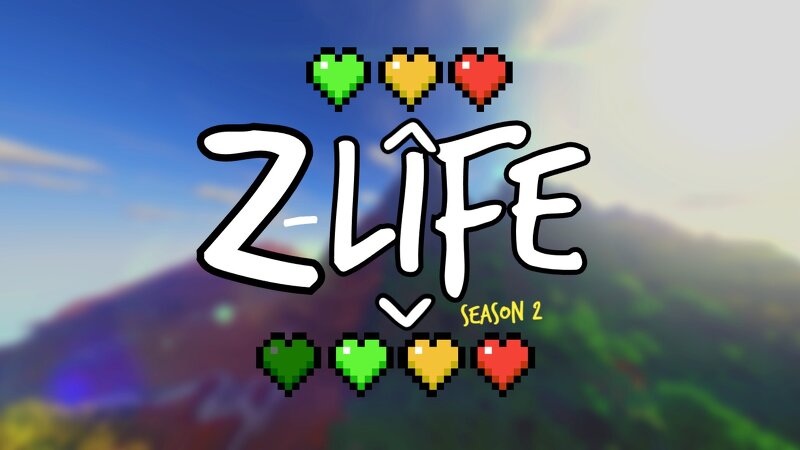
zLife Season Two! Welcome to Z-Life! At the start of the season, you will begin with 1 heart and a randomized timer set to 16, 24, 32, 40, or 48 hours. Depending on what time you are have, you will have a different life stage! 0-7 Hours - Red Stage 8-15 Hours - Yellow Stage 16-23 Hours - Lime Stage 24+ Hours - Dark Green Stage When you are on a lower stage then someone you are allowed to kill them for rewards. When you kill someone that is on a higher stage then you, you will gain 30 minutes and lose one permanent heart. Everytime you die, you gain 1 heart but lose 1 hour of time. Once per session, one player is randomly chosen as the Boogeyman. The Boogeyman's Role. If you are the Boogeyman, your goal is to get one kill before the end of the session! Once you get your kill as the Boogeyman, you will gain 1 hour, and lose one heart. but if you fail you get your kill before the end of the session, you will go down to the next color stage. The person that dies to the boogeyman will lose 2 hour. If you die on 10 hearts or run out of time, you will be elimanated, and set into spectator mode!
Added value
What’s included on this page
Preview, categories, compatibility, and tools on this page — not a bare file mirror.
- Creator
- ShelleyKey
- Source
- Minecraft downloads library on Eaglercraft Studio
- Type
- Minecraft data pack
- Price
- Free download on Eaglercraft Studio
- Curation
- Listed with credit to ShelleyKey · studio preview & install guide
- to version
- Minecraft 26.1
- Compatible with
- Minecraft Java (match version / loader in facts)
- Tags
- Challenge, Functions, Lifeseries, Other, Survival
Install guide
How to install this free data pack
Data pack listing with creator credit and world-folder install steps.
- 1Download the datapack archive.
- 2Open your world folder → datapacks, and place the zip or folder there.
- 3Run /reload in-game (or reopen the world) to enable it.
Data packs are Java Edition. Match the pack’s game version to avoid broken recipes or worldgen.
Related free data packs
More curated data packs from the same library section.

MoisturePack · 75 diamonds · 6 views

ProGameBot · 46 diamonds · 3 views

sniffercraft34 · 46 diamonds · 1 views

sniffercraft34 · 45 diamonds · 648 views